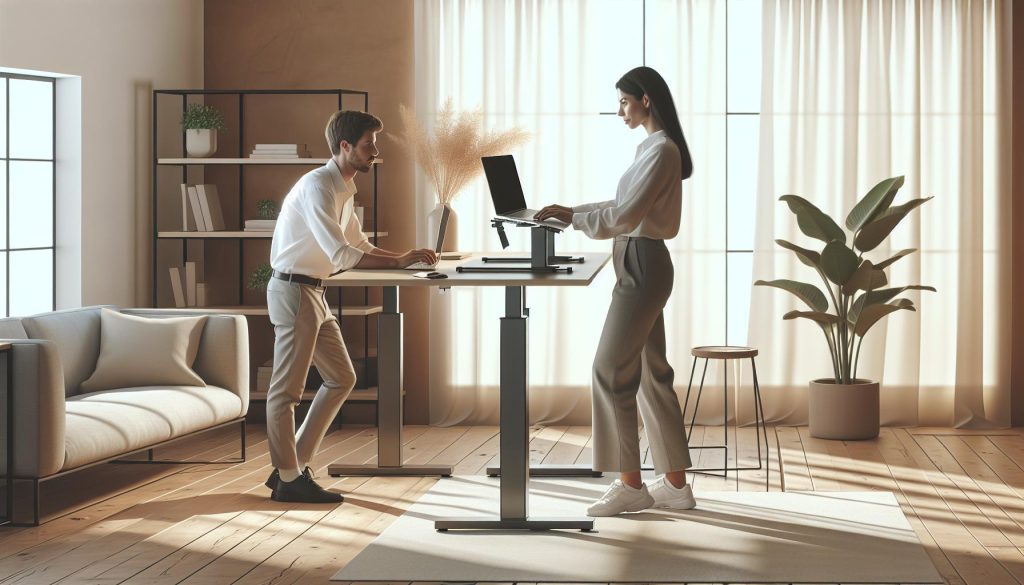
In today’s increasingly sedentary work culture, incorporating movement into your daily routine is more crucial than ever. Enter the sit-stand desk-an innovative solution that allows you to alternate between sitting and standing throughout the day, promoting better posture and reducing the risks associated with prolonged sitting. By making this simple switch, you can enhance your overall well-being and productivity, addressing common concerns of discomfort and fatigue associated with traditional work setups. This guide will provide a comprehensive overview of sit-stand desks, from their benefits to practical tips on how to optimize your workspace for health and productivity. Whether you’re a seasoned remote worker or just starting to explore flexible office solutions, understanding how to effectively use a sit-stand desk can transform your work experience. Join us as we delve into the ultimate beginner’s guide to sit-stand desks, ensuring you make informed choices for a healthier work environment.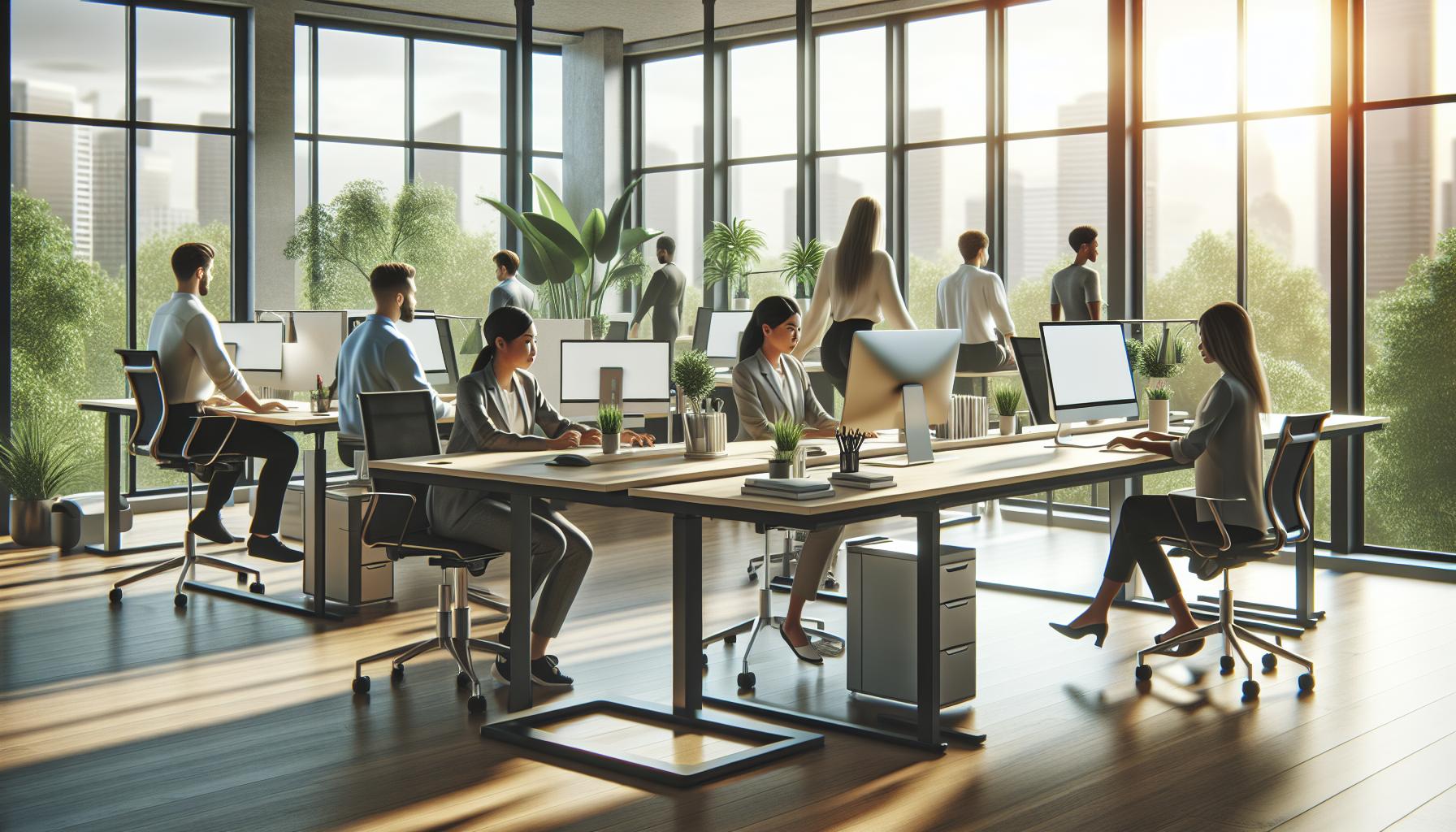
What is a Sit Stand Desk? Understanding the Basics
Imagine a workplace where you can seamlessly shift from sitting to standing at your desk, all while maintaining productivity and comfort. This is the essence of a sit-stand desk, a dynamic workspace solution designed to adapt to your posture preferences throughout the day. These desks can be manually or electronically adjusted, allowing individuals to customize their working environment to reduce sedentary behavior and enhance overall well-being.
The primary function of a sit-stand desk is to provide flexibility. The ability to change positions can play a crucial role in combating the health risks associated with prolonged sitting. Numerous studies have shown links between sedentary lifestyles and various health issues, including obesity, cardiovascular disease, and musculoskeletal problems. By promoting more movement during the day, sit-stand desks help address these concerns, ultimately fostering a healthier work environment.
Setting up a sit-stand desk involves not just the desk itself but also the surrounding workspace. Key considerations include ensuring your monitor is at eye level, using an ergonomic chair when seated, and placing your keyboard and mouse at a comfortable height to prevent strain. This holistic approach to your workstation can maximize the benefits of alternating between sitting and standing, creating a sustainable routine that supports physical and cognitive health.
Benefits of Using Sit Stand Desks for Health
The modern workspace is evolving, and with it, the essential tools that promote health and productivity. One of the most significant innovations is the sit-stand desk, which encourages a dynamic approach to working. This type of desk supports a healthier lifestyle by enabling users to alternate between sitting and standing throughout the day. Research indicates that incorporating more movement into our daily routines can significantly reduce the risks linked to prolonged sitting, such as obesity, heart disease, and musculoskeletal issues.
When using a sit-stand desk, one of the primary benefits is the enhancement of energy levels and focus. Continually shifting positions can help stimulate blood flow and metabolism, leading to improved mental clarity and reduced fatigue. Moreover, standing while working engages core muscles, promoting better posture and reducing the likelihood of discomfort associated with long hours of sitting. Shift workers, students, and office employees alike report increased alertness and productivity when they embrace this versatile desk style.
Adopting a sit-stand desk is also associated with better long-term health outcomes. Studies have shown that those who regularly alternate their working positions experience less chronic pain and improved well-being. By standing more frequently, individuals may also burn more calories over the course of the day. This small but impactful change can contribute to weight management and overall fitness goals. To fully capitalize on these benefits, it’s crucial to integrate ergonomic practices, ensuring that the desk height is adjustable and conducive to comfortable standing and sitting postures.
Incorporating sit-stand desks into the workplace not only promotes physical health but also fosters a culture of wellness. Organizations that prioritize employee health often see increased job satisfaction and retention rates. By offering flexible workspace solutions, employees are more likely to feel supported in their wellness journeys, ultimately leading to a more engaged and productive workforce.
Setting Up Your Sit Stand Desk: A Step-by-Step Guide
Setting up a sit-stand desk effectively can transform your workspace, enhancing productivity and promoting better physical health. A well-organized and ergonomic setup not only makes transitioning between sitting and standing more comfortable but also contributes to long-term well-being. Here’s a step-by-step guide to help you create the ideal workstation.
1. Choose the Right Location
Start by selecting a space with sufficient room for your sit-stand desk. Ensure that this area has easy access to electrical outlets and is well-lit, preferably with natural light, to reduce eye strain. Clutter-free spaces enhance focus, so consider removing unnecessary items before setting up your desk.
2. Adjust Your Desk Height
When it comes to desk height, aim for a level that allows your elbows to form a 90-degree angle when typing. The top of your monitor should be at or slightly below eye level, helping to maintain proper posture. Use a height adjustment tool if available, or manually configure the desk by following these steps:
- While seated, adjust the desk so your forearms are parallel to the ground or slightly declined.
- When standing, set the desk height to allow your elbows to remain at that same 90-degree angle.
- Test it out! Stand for a few minutes and adjust if necessary for comfort.
3. Optimize Monitor and Keyboard Placement
Place your monitor approximately an arm’s length away from your eyes. If using multiple screens, keep the primary monitor directly in front of you to reduce neck strain. The keyboard should be close enough to your body that your arms can remain relaxed beside you. For additional comfort:
- Consider using a keyboard tray that can adjust to your ideal height.
- Use a monitor stand if necessary to lift the screen closer to eye level.
4. Incorporate Ergonomic Accessories
To further boost your comfort and bolster healthy posture, consider adding ergonomic accessories such as:
- Footrests: They help shift weight and reduce pressure on your legs when standing.
- Wrist supports: Equip both your mouse and keyboard areas to alleviate strain during typing.
- Anti-fatigue mats: These can make standing more comfortable, especially during long work sessions.
5. Create a Flexible Transition Strategy
Plan your transitions between sitting and standing. A good approach is to alternate positions every 30 to 60 minutes. Setting reminders on your phone or using a timer can help you stay on track. When transitioning:
- Take a moment to stretch your body to loosen any stiffness.
- Engage in light activities like walking or stretching during your breaks.
Implementing these steps can truly maximize the benefits of your sit-stand desk while encouraging a healthier work environment. Remember, the goal is to maintain a balance that feels comfortable and productive, ultimately reducing fatigue and enhancing your cognitive performance throughout the day.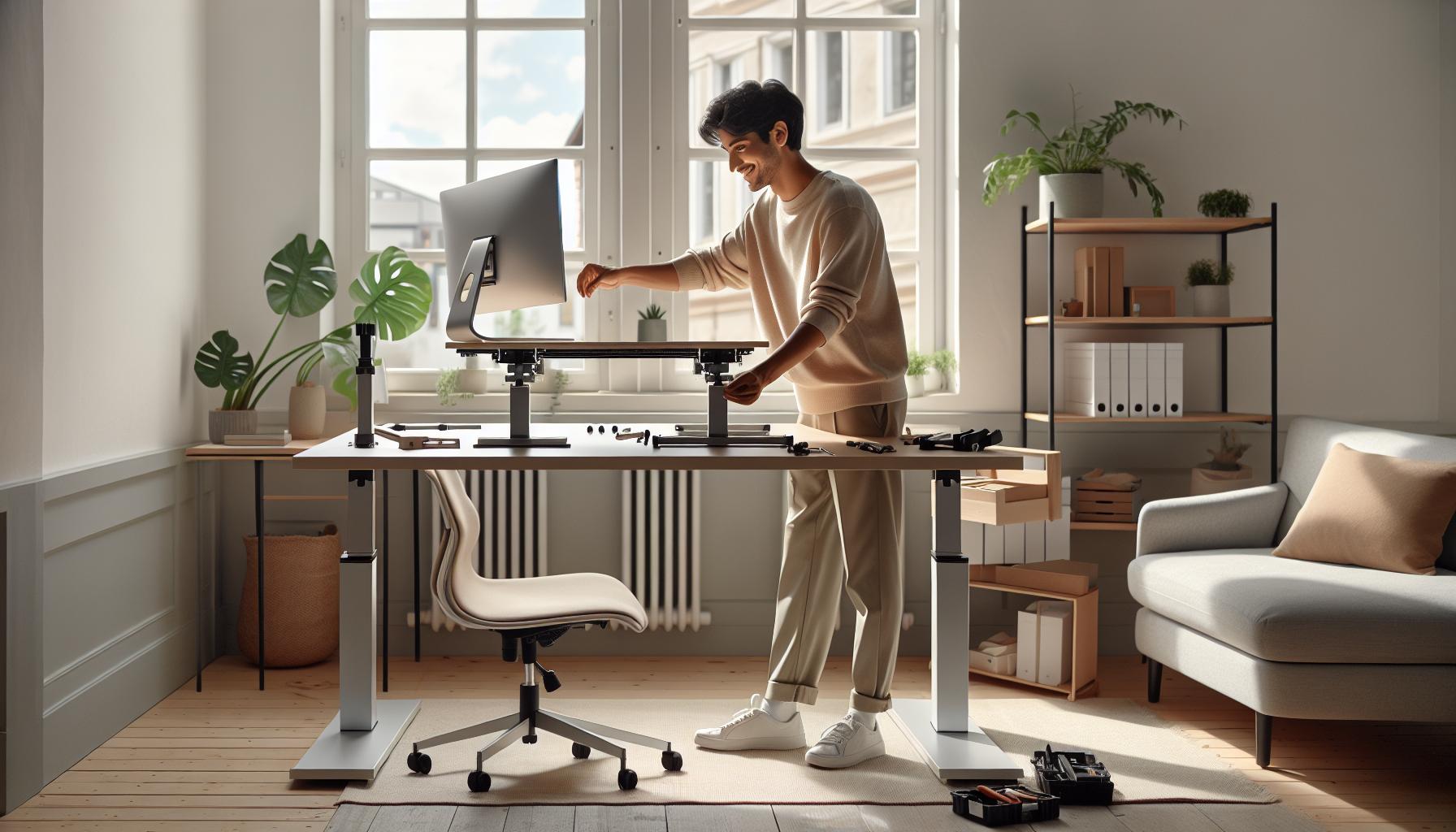
Choosing the Right Sit Stand Desk for Your Needs
When selecting a sit-stand desk, it’s vital to consider your unique work habits, available space, and personal preferences. A well-suited desk can significantly enhance your productivity, comfort, and overall wellness. It’s not just about finding a desk that can adjust in height; it’s about finding one that aligns with your workflow and ergonomic needs. For instance, if you often collaborate with colleagues, a larger desk surface may facilitate shared work, while a compact model might be more appropriate for smaller spaces or individual tasks.
Assessing Your Workspace
Before diving into product options, evaluate your workspace’s layout. Measure available space to ensure the desk fits well without overcrowding the area. Take note of power outlet locations, as electric sit-stand desks require a plug-in. Additionally, consider the amount of gear you’ll place on the desk. Multiple monitors or essential work materials might necessitate a more expansive surface area.
Types of Sit-Stand Desks
There are primarily two types of sit-stand desks: full desks and desk converters. Full desks, adjustable at the touch of a button or through manual levers, can replace your existing desk. On the other hand, desk converters sit atop your current desk and elevate your monitor and keyboard to standing position. Converters are often more budget-friendly and can offer the flexibility of maintaining your existing setup while transitioning to standing.
Material and Build Quality
Durability matters, especially if you plan on using the desk long-term. Materials can range from solid wood to metal and laminate, each bringing unique aesthetics and sturdiness. Look for desks with a strong frame and a weight capacity that can support your equipment comfortably, typically between 50-300 pounds.
Additionally, consider if you prefer a manual or electric adjustment system. Electric desks provide ease and speed, while manual desks may require less maintenance over time.
Smart Features and Customizability
As technology evolves, many sit-stand desks now come equipped with smart features such as programmable memory settings or health reminders, ensuring you maintain proper standing-sitting balance throughout the day. Features like USB charging ports and cable management systems can further organize your workspace, enhancing both functionality and aesthetics.
When choosing, weigh these features against your needs and budget to find the optimal balance. A desk is not just a functional piece of furniture; it’s an investment in your health, productivity, and overall workspace efficiency. Prioritize comfort, adjustability, and style to create a workspace that supports you holistically.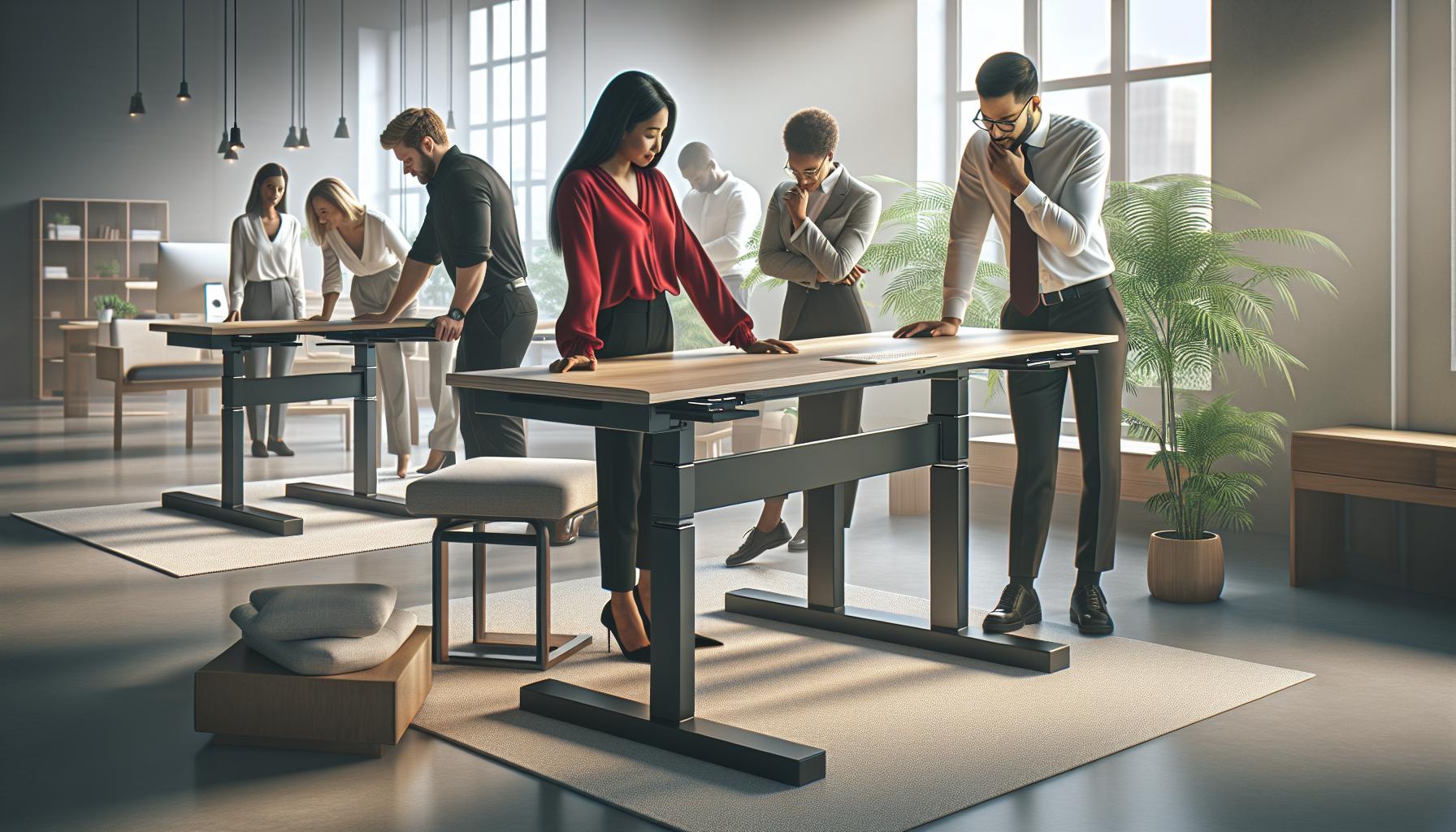
Ergonomics and Posture: Maximizing Your Desk’s Potential
Creating a workspace that maximizes comfort and productivity hinges on understanding ergonomics, especially when using a sit-stand desk. Studies suggest that harmful postures contribute significantly to discomfort and long-term health issues, making it crucial to set up your desk correctly. With the right adjustments, your sit-stand desk can not only enhance your physical well-being but also boost cognitive performance by facilitating better focus and mood.
To optimize your seating and standing positions, ensure that your monitor is at eye level, so you can maintain a neutral neck position. When seated, your feet should be flat on the ground, or on a footrest, with your knees at or slightly below hip level. For standing, adjust the desk height so your elbows remain at about a 90-degree angle, and your wrists stay straight while typing. This helps prevent strain, particularly on your neck, back, and wrists.
Another critical component is the dynamic movement afforded by sit-stand desks. It’s essential not only to alternate between sitting and standing but also to incorporate movement throughout your day. Aim to change your posture every 30-60 minutes, as static positions can lead to fatigue and discomfort. Simple practices such as stretching, walking around, or even doing light exercises can keep your blood flowing and enhance overall cognitive function.
Finally, consider customizing your workspace further with accessories like ergonomic chairs, keyboard trays, or monitor mounts. These additions can complement your sit-stand desk by improving your posture and comfort levels significantly. By investing time in creating an ergonomic workspace, you set yourself up for sustained health and productivity, making each workday a better experience.
Transitioning Between Sitting and Standing: Best Practices
Adopting a sit-stand desk can revolutionize your work experience, but transitioning between sitting and standing requires a thoughtful approach to maximize its benefits. Studies show that frequently changing positions can improve energy levels, enhance focus, and even elevate mood. To reap these rewards, establish a routine that enables seamless transitions without overwhelming your body, especially if you’re new to this practice.
Start by setting specific time intervals for sitting and standing. The general recommendation is to alternate every 30 to 60 minutes. Use a timer or a productivity app to remind you when it’s time to change positions. Gradually increase your standing time as your body adapts. For instance, if you begin by standing for 15 minutes each hour, aim to incrementally extend that to 30 minutes or more over several weeks. This incremental approach helps avoid fatigue and discomfort, allowing your body to adjust harmoniously to the new routine.
When transitioning, it’s vital to maintain proper posture. Before standing, ensure your desk is adjusted to the correct height-your elbows should remain at a 90-degree angle, and your wrists must be straight when typing. Once you stand, check your alignment: feet should be shoulder-width apart, shoulders relaxed, and your head aligned with your spine. If you feel strain, take a moment to readjust your posture. Remember that standing shouldn’t mean you’re rigid. Incorporate subtle movements, like shifting your weight between legs or performing gentle stretches throughout your workday.
Incorporating accessories can further support this transition. Consider using an anti-fatigue mat, which can reduce discomfort while standing and encourage micro-movements. For added diversity, alternate your standing position with a footrest, allowing you to change foot positions occasionally. This not only provides relief but also promotes circulation and can enhance mental clarity.
Ultimately, the goal is to find a routine that feels natural and sustainable for you. By committing to regular transitions and paying attention to your body’s cues, you can unlock the full potential of your sit-stand desk, leading to improved physical health and cognitive performance.
Innovative Features to Look for in Sit Stand Desks
When choosing a sit-stand desk, innovative features can greatly enhance your experience, offering not only ergonomic benefits but also a seamless transition between sitting and standing. Modern sit-stand desks are equipped with advanced technologies and thoughtful design elements that cater to both comfort and functionality. Understanding these features can help you make an informed choice that aligns with your health and productivity goals.
Smart Height Adjustment
Many contemporary sit-stand desks come with electric or pneumatic height adjustment mechanisms that allow for quick and easy transitions. Look for desks that offer programmable height presets, enabling you to save your preferred sitting and standing positions. This not only saves time but also encourages consistent use, as you can simply press a button to adjust your desk at regular intervals throughout the day.
Cable Management Solutions
Another important aspect to consider is cable management. A clutter-free workspace is essential for maintaining focus and enhancing productivity. Desks with built-in cable management trays or channels help keep cords organized and out of sight, reducing distractions and creating a cleaner aesthetic. This feature not only enhances the visual appeal of your workspace but also contributes to a safer work environment by minimizing the risk of tripping over loose cables.
Built-in Ergonomic Accessories
Some sit-stand desks come with integrated ergonomic features that provide additional support during your workday. For instance, built-in monitor arms or keyboard trays can help maintain optimal screen height and typing posture. This not only promotes good ergonomics but also encourages frequent adjustments to your workstation setup. Accessories like anti-fatigue mats can also be beneficial, as they provide cushioning for your feet and promote subtle movements while standing.
Health Monitoring Features
A growing trend in workplace wellness is the inclusion of health monitoring technologies in sit-stand desks. Some models feature sensors that track your sitting and standing times, gently reminding you when it’s time to switch positions. These insights can help you better manage your physical activity levels throughout the day. Additionally, certain high-end models might even connect to smartphone applications that provide reminders or track wellness metrics, further supporting your commitment to a healthier lifestyle.
By prioritizing these innovative features when selecting a sit-stand desk, you can create a more dynamic and engaging workspace that supports both your physical health and cognitive performance. Investing in a desk equipped with these elements not only enhances your ergonomic setup but also fosters a more productive and energized work environment.
Addressing Common Concerns and Misconceptions
Many people envision sit-stand desks as an instant solution to combat the negative effects of prolonged sitting, but misconceptions abound regarding their usage and benefits. A common concern is that standing desks can lead to discomfort or fatigue. While it’s true that standing for long periods can be taxing, the key is balance. Alternating between sitting and standing allows your body to adapt while also mitigating strain. Incorporating an anti-fatigue mat can provide additional comfort when standing, aiding in reducing pressure on your feet and encouraging subtle movements that stimulate blood flow.
Another widespread myth is that sit-stand desks require constant adjustment, making them inconvenient. In reality, many modern sit-stand desks feature electric or pneumatic mechanisms for seamless height adjustments. Programmable presets are also available, allowing users to switch between their preferred heights effortlessly with the push of a button. This functionality not only promotes a more dynamic workspace but also encourages healthy habits, such as shifting positions throughout the day without disrupting workflow.
Moreover, some skepticism surrounds the effectiveness of sit-stand desks in improving overall health and productivity. Studies indicate that even modest reductions in sitting time can lead to significant benefits, including enhanced mood, increased energy levels, and improved concentration. One compelling research finding suggests that users who regularly alternate between sitting and standing report higher levels of productivity and job satisfaction. To maximize these health benefits, it’s essential to create a supportive work environment, incorporating proper ergonomics, personalized adjustment routines, and movement breaks to engage different muscle groups.
Finally, there’s a perception that sit-stand desks are a one-size-fits-all solution. However, everyone’s body and work style are unique, making it vital to choose a desk that meets personal needs. Factors such as height, workspace size, and the nature of one’s work play crucial roles in determining the best fit. Engaging in a trial-and-error process can lead to finding the optimal setup for comfort and efficiency. Embracing the flexibility of a sit-stand desk as part of a broader wellness strategy will empower you to enhance your work experience significantly.
Real-Life Success Stories: How Sit Stand Desks Improve Health
The impact of sit-stand desks on health and productivity is garnering attention, with many individuals sharing transformative experiences after integrating these workstations into their routines. For example, Jenna, an office manager, reported a substantial improvement in her energy levels and focus after adopting a sit-stand desk. Initially plagued by fatigue from long hours of desk work, she found that alternating between sitting and standing allowed her to maintain mental clarity and physical comfort throughout the day. By setting reminders to switch positions every hour, Jenna not only enhanced her productivity but also noticed a marked decrease in back pain, which she had endured for years.
Similarly, Mike, a graphic designer, discovered that utilizing a sit-stand desk significantly boosted his creativity. He found inspiration in the simple act of changing positions, which invigorated his thought process. Mike implemented a routine where he brainstormed new ideas while standing, believing the change in posture fostered a more engaging workflow. Many users echo this sentiment, asserting that a varied posture helps them fight monotony, which is a prevalent concern in today’s work environment.
Encouraging Movement and Collaboration
Moreover, sit-stand desks promote a culture of movement and interaction in the workplace. For instance, a tech company introduced adjustable desks and noticed an uptick in collaboration among team members. Employees began holding discussions while standing or even moving around, leading to more dynamic brainstorming sessions and increased team bonding. This shift not only enhanced workplace morale but also fostered a collaborative atmosphere that contributed to innovative solutions and better project outcomes.
It’s essential to note that while personal success stories highlight the benefits of sit-stand desks, scientific studies support these claims. Research indicates that reducing sitting time can lead to improved cardiovascular health, enhanced mood, and greater overall wellbeing. Many users emphasize the improved physical health outcomes they’ve experienced but often pair these benefits with an increased sense of workplace happiness and job satisfaction.
As you consider incorporating a sit-stand desk into your routine, remember that the journey is personal. Each success story offers inspiration, but the key is to tailor your use to fit your lifestyle and comfort. Whether it’s a simple height adjustment or integrating movement breaks, the goal is to enrich your working environment while prioritizing health and productivity.
Integrating Movement: Exercise Ideas for Workdays
Making time for movement during the workday is crucial for maintaining both physical and mental well-being. Studies suggest that breaking up long periods of sitting with short bursts of activity can enhance focus, boost mood, and improve cognitive performance. Integrating simple exercises into your daily routine can be both beneficial and enjoyable. Here are some exercise ideas to keep you active while working at your sit-stand desk.
Micro-Breaks for Movement
Incorporating micro-breaks throughout your day can significantly enhance your overall productivity. Every hour, take a moment to stand up and stretch or walk around your workspace. Here are a few quick stretches and movements you can try:
- Neck Stretches: Gently tilt your head to one side and hold for 15 seconds; switch sides.
- Wrist and Finger Stretches: Extend your arm, palm up; use the other hand to gently pull back on your fingers.
- Calf Raises: Stand with your feet hip-width apart and lift your heels to strengthen your calves.
These movements only take a minute or two but can help release tension and refresh your mind.
Desk Exercises
You don’t need to leave your desk to get some movement in. Here are a couple of exercises you can do right at your workstation:
- Chair Squats: Stand in front of your chair, sit back as if to sit, and stop just above the seat. Repeat for 10-15 reps.
- Seated Leg Lifts: While seated, extend one leg out straight and hold for a few seconds before lowering. Alternate legs for a full set.
These exercises can increase blood circulation and strengthen key muscle groups without requiring significant changes to your routine.
Incorporate Walking Meetings
If you have the opportunity, consider conducting walking meetings instead of the traditional seated format. These informal discussions can lead to more dynamic conversations, stimulate creativity, and allow for fresh air. If a full walk isn’t feasible, simply pacing for a few minutes as you talk on the phone can still yield benefits.
Staying Accountable
Finally, encouraging movement takes commitment. Set reminders on your phone or use apps designed for prompting physical activity throughout the day. You might also establish a friendly competition with coworkers or friends to see who can take the most steps or perform the most exercises in a week, making it a fun, shared experience.
By integrating these movement strategies into your workday, you’re not only enhancing your physical health but also supporting your cognitive well-being and overall job satisfaction. Remember, the goal is to create a balance that allows for productivity and wellness simultaneously.
Maintaining Workplace Wellness Beyond Your Desk
Maintaining a healthy workplace goes far beyond just selecting the right desk. Cultivating an environment that promotes overall well-being is essential for enhancing productivity, creativity, and morale. Research indicates that happy employees are more engaged and contribute positively to company culture. Therefore, integrating wellness into various aspects of the workplace is vital, and there are several strategies to achieve this.
Creating a culture of well-being starts with encouraging social interactions and teamwork. Organize regular team-building activities that foster connections among colleagues. Consider hosting wellness challenges or group activities such as yoga or mindfulness sessions during breaks. These initiatives not only promote physical activity but also enhance mental health and reduce stress. Studies show that collaboration and open communication can lead to increased job satisfaction, ultimately benefiting the organization as a whole.
In addition to team interactions, the design of the workplace itself plays a crucial role in well-being. Incorporating natural light and green spaces can elevate mood and reduce stress levels. Position plants around the office to improve air quality and create a more inviting atmosphere. Furthermore, provide access to quiet zones for relaxation or focused work, allowing employees the chance to recharge mentally and physically throughout the day.
Investing in employees’ professional development is another important aspect of workplace wellness. Offering courses on stress management, time management, or skills development contributes to personal growth and confidence. Providing access to counseling resources, health programs, or wellness workshops ensures that employees feel supported in their well-being journey. This multi-faceted approach allows for a more holistic view of health that encompasses not just physical activity but mental and emotional well-being as well.
Lastly, fostering an open feedback loop where employees can voice their suggestions or concerns leads to a more empowered workforce. Regular surveys or check-ins can provide insight into how employees feel about their work environment. Taking action based on their feedback demonstrates that the organization values its workforce, further strengthening employee engagement and commitment to a healthy workplace culture. By implementing these strategies, companies take significant steps towards creating a supportive and thriving environment that benefits everyone involved.
Future Trends: The Evolution of Sit Stand Desks
The landscape of workplace ergonomics is rapidly evolving, particularly with the advent of sit-stand desks. These desks have transitioned from niche products to mainstream staples in modern work environments, driven by a growing body of research linking sedentary behavior to health issues. As companies increasingly prioritize employee well-being, the next generation of sit-stand desks is integrating advanced technology and design tailored to enhance productivity and health.
One significant trend is the rise of smart desks equipped with sensors that monitor user behavior and health metrics. These desks can suggest optimal sitting and standing times based on individual patterns, promoting better habits seamlessly throughout the workday. For instance, notifications might remind users to stand after prolonged sitting periods or suggest breaks based on stress levels detected through biometric feedback. This intelligent integration transforms static environments into dynamic workplaces, fostering not only physical health but also cognitive performance.
Another exciting development is the customization of ergonomic features. Modern sit-stand desks now often offer adjustable height settings, allowing for fine-tuning based on user preference and body measurements. This focus on personalization extends beyond mere height adjustments; new designs incorporate accessories like anti-fatigue mats, built-in footrests, and adaptable monitors that cater to various postures and workflows. These enhancements ensure that users can adjust their workspace to fit their individual needs, thereby reducing discomfort and increasing focus.
Moreover, the future may also see a convergence of sit-stand desks with other wellness technologies, such as air quality monitors and fitness trackers. By synergizing these technologies, offices can provide a holistic wellness experience, where physical and mental health converge around productivity-enhancing environment controls. For instance, adjusting workspace settings based on air quality or providing reminders to hydrate can be integrated into the desk’s programming, creating a more health-conscious workspace.
Ultimately, as the conversation around workplace health continues to grow, sit-stand desks will play a central role in reshaping how employees interact with their work environments. With innovative features prioritizing user health and productivity, the evolution of these desks aligns perfectly with the broader movement towards healthy workplaces. The integration of technology, personalization, and holistic wellness practices sets the stage for a transformative work experience that promotes long-term well-being and cognitive function.
FAQ
Q: What are the different types of sit-stand desks?
A: Sit-stand desks come in various types, including manual adjustment desks, electric height-adjustable desks, and converter units that sit on existing desk surfaces. Each type offers unique features for transitioning between sitting and standing, catering to different user preferences and budgets.
Q: How do I choose the right sit-stand desk for my height?
A: To select the right sit-stand desk, consider your height and the desk’s adjustable range. Ideally, your elbows should be at a 90-degree angle when typing, with the monitor at eye level. Testing desks in-store or checking the manufacturer’s specifications can help ensure a proper fit.
Q: Can using a sit-stand desk help with back pain?
A: Yes, using a sit-stand desk can alleviate back pain by promoting better posture, reducing prolonged pressure on the spine, and encouraging movement throughout the day. It’s important to use ergonomic setups for optimal results.
Q: What features should I look for in a quality sit-stand desk?
A: Look for features like smooth height adjustment (manual or electric), stability when adjusted, preset height settings, durable materials, and cable management solutions. These features enhance usability and desk organization, making your workspace more efficient.
Q: How often should I switch between sitting and standing?
A: Aim to switch between sitting and standing every 30 to 60 minutes, depending on your comfort and tasks. Listening to your body and accommodating changes throughout the day promotes movement, reducing fatigue and increasing productivity.
Q: Are sit-stand desks worth the investment?
A: Sit-stand desks can be a worthwhile investment as they encourage movement, improve posture, and promote overall health. The long-term benefits, including potential increases in productivity and reductions in discomfort, often justify the cost.
Q: What common misconceptions exist about sit-stand desks?
A: Many believe sit-stand desks are only beneficial if used entirely for standing, which is not true. The key is balance-interchanging positions can enhance comfort and productivity while preventing health issues related to prolonged sitting.
Q: How can I maintain my sit-stand desk for longevity?
A: To maintain your sit-stand desk, regularly check the mechanism for smooth operation, clean the surfaces to prevent wear, and manage cables to avoid tangling. Following the manufacturer’s guidelines ensures lasting functionality and performance.
Closing Remarks
As you’ve discovered through this guide, a sit-stand desk is more than just a piece of furniture; it’s a vital tool for enhancing workplace wellness and boosting productivity. By embracing the flexibility of alternating between sitting and standing, you can significantly reduce discomfort and improve focus, ultimately supporting your brain health and cognitive performance.
If you’re eager to create an ergonomic workspace, check out our step-by-step guides on setting up standing desks and incorporating healthy work habits. Don’t miss our articles on stress management techniques and biohacking strategies that align with your wellness journey. Take action now-explore our range of height-adjustable desks here and optimize your workspace today!
Join the conversation: share your thoughts and experiences below, and consider subscribing to our newsletter for valuable insights that will keep you informed on workplace wellness and mental clarity. Your path to a healthier work life starts here-embrace it fully!