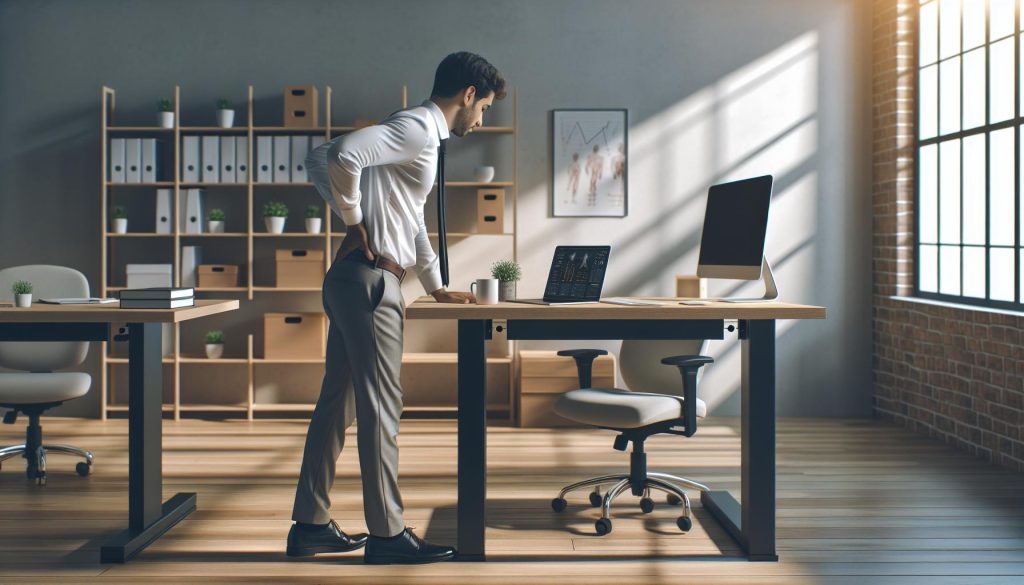
In today’s fast-paced world, many of us find ourselves confined to desks for hours on end, leading to a common yet debilitating issue-lower back pain. With the rise in popularity of standing desks, the question arises: can standing while you work really alleviate this discomfort? Studies suggest that alternating between sitting and standing can reduce pain and improve posture, but there’s much more to consider than just standing tall. In this article, we reveal five surprising facts about standing desks and their impact on lower back pain. Understanding these insights can empower you to make informed decisions about your workspace and ultimately enhance your comfort and productivity. Let’s dive in to discover how a simple furniture change might revolutionize your work experience!
Understanding Lower Back Pain: Causes and Risks
Chronic lower back pain is a pervasive issue that affects millions of people worldwide, often significantly impacting their daily lives and productivity. Understanding its causes and risks is crucial for effective management and prevention. Commonly, lower back pain can stem from various factors, including prolonged sitting, poor posture, and improper ergonomics in the workplace. When the spine is subjected to poor alignment or excessive strain, the discs and muscles in the lower back can become strained, leading to pain that interferes with normal activities.
Several lifestyle factors contribute to the likelihood of developing lower back pain. For instance, obesity can increase stress on the spine, while a sedentary lifestyle weakens core muscles essential for spinal support. Moreover, factors such as age, occupational hazards, and genetic predispositions can also play a role in the prevalence of back pain. Individuals who engage in physically demanding jobs or those requiring repetitive movements are at a higher risk for lower back injuries. Thus, identifying risk factors can help individuals take proactive measures to protect their backs.
Prevention strategies are vital in addressing the risk of lower back pain. Regular physical activity strengthens the muscles that support the spine, enhancing overall function and reducing the likelihood of injury. Incorporating exercises that enhance flexibility, like yoga or stretching, can also alleviate tension in the back muscles. Beyond physical activity, ensuring a proper workstation setup can make a significant difference. An ergonomic chair, combined with either sitting or standing desks, can promote better posture, ultimately reducing the incidence of lower back discomfort. Understanding these causes and risks equips individuals to make informed decisions about their health and work environment, paving the way for more comfortable and productive days.
The Benefits of Standing Desks on Posture
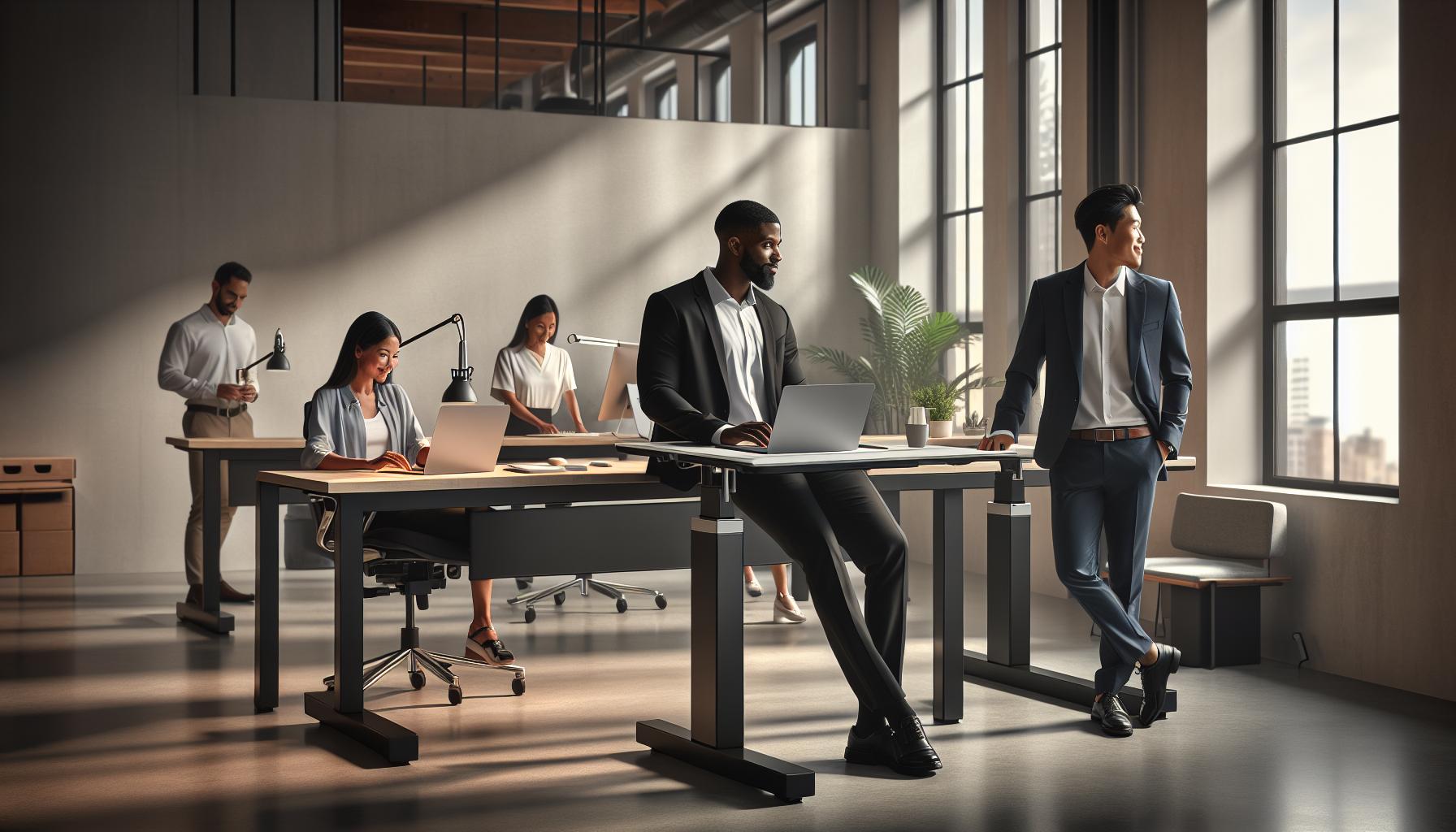
Research indicates that a significant percentage of office workers experience discomfort due to prolonged sitting, often leading to poor posture and exacerbating lower back pain. Transitioning to a standing desk may offer a solution for those seeking relief. By encouraging users to maintain a more upright posture, standing desks can help distribute body weight more evenly, potentially reducing strain on the spine. When paired with proper ergonomics, standing desks can promote a healthier alignment of the back and neck, which is crucial for reducing discomfort over time.
Employing a standing desk allows for greater freedom of movement compared to traditional seating. This can lead to a more dynamic work environment, where individuals naturally shift their weight and adjust their posture throughout the day. The act of standing engages core muscles, which can strengthen the overall support structure for the spine. When users recognize the signs of fatigue, they can easily alternate between sitting and standing, promoting a balanced approach to ergonomics. Such flexibility not only minimizes stress on the lower back but also encourages better blood circulation and reduces the risks associated with prolonged sedentary behavior.
To maximize the benefits of standing desks, individuals should consider a few ergonomically sound practices. For instance, the desk height should allow the elbows to remain at a 90-degree angle while typing, and the computer monitor should be at eye level to prevent neck strain. Additionally, using anti-fatigue mats can provide comfort and further reduce strain on the legs and lower back during extended standing periods. By integrating these practices, users can optimize their standing desk experience, enhancing both comfort and posture while effectively addressing lower back pain concerns.
5 Shocking Facts About Standing Desks and Pain Relief
Research indicates that transitioning to a standing desk can lead to surprising improvements in lower back pain, debunking common misconceptions about their effectiveness. However, the impact of standing desks isn’t universally positive; let’s explore five shocking facts that shed light on the potential of standing desks for pain relief.
One of the most compelling findings is that using standing desks can dramatically reduce lower back discomfort by a staggering 50%. A study published in 2018 revealed that participants utilizing a sit-stand desk while receiving guidance for minimizing sedentary behavior experienced significant pain reduction compared to those who remained seated throughout the workday. This indicates that the mere act of standing-when combined with proper ergonomic principles-has the potential to enhance comfort significantly.
Another intriguing fact is that the relief from back pain isn’t always instantaneous. Many users report an adjustment period that may last several weeks. During this time, the body adapts to the new posture and engages muscles differently. It’s not uncommon for individuals to initially feel more fatigue in their legs and feet as they gradually build strength. This underscores the importance of a gradual transition to using standing desks to allow the body to adapt comfortably.
Moreover, some recent findings suggest that standing desks may not be beneficial for every individual. Those with specific underlying health conditions such as neuropathy or joint issues may not find relief and could even experience increased discomfort from prolonged standing. Thus, it’s crucial for users to assess their unique situations before implementing standing desks into their work routines.
Lastly, contrary to popular belief, standing all day isn’t a guaranteed remedy for back pain. Ergonomic practices play a critical role in ensuring comfort and reducing strain. For instance, adjusting desk height, using anti-fatigue mats, and maintaining a neutral posture while standing are essential aspects to maximize benefits. Employers and individuals should focus on a balanced approach, alternating between sitting and standing to maintain overall physical well-being.
In summary, while standing desks can offer substantial relief from lower back pain for many, understanding their nuanced impact is essential to fully harness their benefits. Whether you’re experiencing chronic pain or simply looking to enhance your workspace ergonomics, considering these shocking facts can guide you towards making informed decisions.
Standing vs. Sitting: What Does Research Say?
Studies indicate that the traditional duality of standing versus sitting may have significant implications for back pain and overall health. A comprehensive look at research reveals a nuanced picture of how these two postures can affect discomfort levels and productivity in the workplace.
One of the more compelling aspects of this debate centers around the cumulative hours spent in a seated position. Extended periods of sitting have been correlated with increased risks of developing back pain, as well as other musculoskeletal issues. This is largely due to the compressive forces that seated posture exerts on the lumbar spine. In contrast, standing desks have been associated with a reduction in such pressure, leading to improved posture and less discomfort in individuals who experience lower back pain. A systematic review found that participants using sit-stand desks reported a substantial decrease in discomfort, approximately 50% less pain compared to those confined to seated positions throughout the workday [[2]].
However, switching to standing isn’t a panacea for everyone. Research suggests that merely standing for long periods can lead to its own set of issues, including leg fatigue, foot pain, and potential joint discomfort. A balanced approach seems to be most beneficial, with studies advocating for alternating between sitting and standing. This not only engages different muscle groups but also promotes better circulation and reduces the risks associated with prolonged postures. Incorporating short movement breaks or stretching can further enhance these benefits and mitigate fatigue from standing.
Ultimately, the effectiveness of standing versus sitting can depend largely on individual circumstances, including personal health conditions and workspace ergonomics. Factors such as desk height, monitor placement, and the use of supportive footwear play a crucial role in maximizing the ergonomic benefits of a standing desk. Individuals may need to experiment with their setups and transition gradually to find what works best for them while being mindful of potential discomfort associated with either posture.
Common Misconceptions About Standing Desks
Despite their growing popularity, standing desks come with a host of misconceptions that can mislead users and inhibit the potential benefits they offer. For instance, many believe that simply switching from a seated to a standing position will automatically alleviate back pain. This assumption neglects the nuances of ergonomics and body mechanics. Standing for extended periods can lead to its own set of problems, including leg fatigue, joint discomfort, and even exacerbation of back pain if proper posture is not maintained. It’s essential to understand that a standing desk is not a one-size-fits-all solution.
Another common fallacy is that standing desks encourage better posture universally. While standing tends to reduce the compressive forces on the lumbar spine compared to sitting, poor posture while standing-such as slumping or leaning-can negate these benefits. Proper alignment, including keeping the shoulders back and the feet hip-width apart, is crucial when using a standing desk. Users might also overlook the importance of using supportive footwear and an anti-fatigue mat to further enhance comfort and support.
Moreover, some believe that standing desks can completely replace the need for movement. However, research emphasizes the importance of incorporating movement breaks, regardless of the position you choose. Alternating between sitting and standing, along with taking brief walks or stretching, can significantly diminish the risk of discomfort and promote better circulation. Users should aim for a balanced approach that includes both postures while actively integrating movements throughout the day.
Lastly, a misconception exists around the idea that investing in a standing desk guarantees improved workplace productivity. While some studies show a correlation between reduced pain and enhanced productivity, the reality is that individual experiences may vary significantly. Factors such as job type, personal comfort, and workspace setup play critical roles in determining the overall impact on productivity. Thus, users should carefully assess their unique work environment and individual needs before making the switch to a standing desk.
How to Properly Use a Standing Desk for Comfort
Adopting a standing desk can be a game-changer for those looking to alleviate lower back pain, but it’s not just about standing-it’s about how you stand. Many people make the mistake of assuming that standing desks will automatically fix their discomfort, but without proper use and ergonomics, you may find yourself dealing with new issues. The right setup can enhance comfort, reduce strain, and help maintain a healthy posture, making the transition to standing less daunting.
To maximize comfort while using a standing desk, begin by adjusting the height of your workstation so that your elbows are at a 90-degree angle and your wrists are straight when typing. Your monitor should be at eye level, ensuring you don’t have to tilt your head down or up. This helps to maintain a neutral neck position, reducing the likelihood of strain. Also, keep your feet hip-width apart and distribute your weight evenly. Shifting your weight from one foot to the other or using a footrest can help prevent fatigue and enhance blood flow.
Additionally, incorporating movement is key. While standing desks promote a more active work environment, standing in one position for too long can lead to discomfort. Aim to alternate between sitting and standing throughout the day, ideally changing positions every 30 to 60 minutes. Take short breaks to walk around or stretch; this not only loosens your muscles but also improves circulation and helps prevent stiffness.
Lastly, consider using supportive footwear and an anti-fatigue mat. These additions can significantly enhance your comfort level, making it easier to remain on your feet for longer periods. When selecting footwear, choose shoes with good arch support and cushioning; this can make all the difference in reducing strain on your back and legs. By implementing these strategies, you can harness the benefits of your standing desk while minimizing discomfort and promoting a healthier work routine.
Ergonomic Tips for Reducing Back Pain at Work
One surprising truth about desk jobs is that up to 80% of people will experience back pain at some point in their lives, often exacerbated by poor ergonomics in the workplace. Navigating the complexities of comfort while working, especially in today’s fast-paced environment, requires intentional adjustments. Incorporating ergonomic principles can significantly alleviate discomfort and prevent the onset of chronic back issues.
Start by configuring your workspace to suit your body. Your chair, desk, and computer setup should promote natural alignment and comfort. For those using a standing desk, ensure that the height is properly adjusted: your elbows should rest at approximately a 90-degree angle, and your screen should be at eye level to avoid strain on your neck. This setup promotes good posture and reduces stress on your lumbar spine. Adding a supportive anti-fatigue mat can also enhance comfort during prolonged standing sessions.
Incorporating movement into your day can drastically improve overall comfort. Aim to alternate between sitting and standing every 30 to 60 minutes, which can help break the monotony of being in one position and reduce the likelihood of pain. Pausing for quick stretches can also promote blood circulation and relieve tension. Simple stretches such as torso twists or shoulder rolls can be done discreetly and take just a minute or two.
Footwear choices also play a crucial role in back pain management. Opt for shoes that offer good arch support and cushioning. High-quality insoles can further enhance comfort, helping to absorb shock and reduce strain on your lower back. When seated, ensure your feet are flat on the ground or on a footrest, with knees at or slightly lower than hip level to maintain proper alignment. These ergonomic tips, when consistently applied, create a more comfortable and healthier working environment.
Comparing Standing Desks to Other Solutions for Back Pain
Standing desks have gained popularity as a potential solution for alleviating back pain, but they are not the only option available. When comparing standing desks to other methods for managing lower back discomfort, it’s essential to explore a variety of alternatives and their unique benefits.
One viable alternative is ergonomic office chairs, which are designed to support the natural curves of the spine. These chairs often feature adjustable lumbar support, armrests, and seat depth settings that can customize the fit for individual users. A well-chosen ergonomic chair promotes better posture and encourages movement, which can mitigate the risks associated with prolonged sitting. However, it’s important to note that while ergonomic chairs can enhance comfort, they are not a panacea for back pain. For instance, some users may still experience discomfort after extended periods, leading to a mix of sitting and standing as a more effective solution.
In addition to standing desks and ergonomic chairs, physical exercise plays a crucial role in addressing back pain. Incorporating regular movement-such as stretching, yoga, or strength training-helps to strengthen core muscles that support the spine. Studies have shown that engaging in physical activity not only reduces pain but also prevents it by improving flexibility and posture. Creating a hybrid approach that combines a standing desk, ergonomic chair, and exercise regimen can lead to a more holistic improvement in back health.
Moreover, physiotherapy and chiropractic care are worth considering for those experiencing chronic pain. These professionals can provide tailored exercises, manual adjustments, and postural education to alleviate pain and prevent future issues. By analyzing an individual’s specific situation, physiotherapists or chiropractors can recommend the best interventions, which may complement the use of standing desks or ergonomic furniture.
Ultimately, the most effective strategy for combating lower back pain may not hinge on a single solution. Instead, a comprehensive approach that includes a combination of standing desks, ergonomic seating, physical activity, and professional advice can create a more comfortable and productive workspace, catering to individual needs and promoting long-term spinal health.
Real User Experiences: Standing Desk Testimonials
Real-world experiences often illuminate the potential benefits of standing desks for those battling lower back pain. Many users report a significant shift in their daily comfort after integrating standing desks into their routines. For instance, a marketing professional shared that after transitioning to a sit-stand desk setup, they noticed an immediate reduction in back pain that typically flared up after long hours of sitting. The ability to alternate between standing and sitting allowed them to find a balance that worked, leading to enhanced energy levels and productivity throughout the workday.
Another user, a graphic designer, emphasized the importance of proper ergonomics in their standing desk usage. They noted that simply using a standing desk is not a guaranteed fix; instead, they invested time in adjusting their desk height and ensuring their monitor was at eye level. This attention to detail resulted in a less strained neck and back. They also adopted a habit of doing stretches during short breaks, which further alleviated discomfort. Such user experiences highlight that small adjustments, combined with the right equipment, can lead to better outcomes.
However, not every story is uniformly positive. A software engineer revealed that while they appreciated the standing desk’s benefits, they occasionally experienced fatigue from standing for long stretches. They soon realized the importance of pacing themselves. By setting reminders to shift between initial standing and sitting at intervals, they found greater comfort and sustained productivity without sacrificing their well-being. This underscores the notion that individual responses to standing desks can vary widely.
In summary, user testimonials showcase a spectrum of experiences that underscore the effectiveness of standing desks in managing lower back pain when used correctly. The key takeaway is that thoughtful implementation, which may include adjustments in working patterns and combining standing with seating, can enhance the positive impacts on comfort and productivity while mitigating discomfort. For anyone considering the switch, these insights serve as a valuable reminder to approach their workspace ergonomically and with flexibility.
Future Trends: Innovations in Workspace Ergonomics
The future of workspace ergonomics is bright, as innovative technologies and design philosophies are emerging to address health concerns like lower back pain. With a growing awareness of the detrimental effects of prolonged sitting, companies are focusing on creating smarter work environments that foster movement and adaptability. New advancements not only incorporate standing desks but also urge users to embrace flexibility and personalization in their daily routines.
One promising trend is the incorporation of wearable technology within the workplace. By using smart wearables that monitor posture, movement, and even muscle tension, employees receive real-time feedback on their ergonomic habits. For instance, devices can vibrate to remind users to adjust their posture or shift positions, promoting healthier habits and reducing the strain associated with extended periods of the same stance. These systems often come integrated with apps that provide tailored exercises or stretches to further decrease discomfort.
Adaptive Workspace Solutions
Furthermore, modular desk systems are gaining traction as they allow workers to customize their spaces dynamically. These desks can be adjusted not just in height but also in configuration, allowing for collaborative setups or personal zones that encourage a change in position throughout the day. Integrating elements like treadmill desks or bicycle desks into traditional office layouts also creates opportunities for movement, tackling the issues associated with stationary lifestyles while allowing work to continue.
Focus on Mental Well-Being
In addition to physical health, there’s a marked shift towards recognizing mental well-being in workspace design. Research has shown that environments that allow for easy transitions between task types-like collaborative meetings in comfortable lounge spaces or quiet zones for focused work-can alleviate stress and improve overall productivity. By facilitating varied interactions, employers can create more engaging and health-conscious workspaces.
In summary, the innovations in workspace ergonomics connect technology and design to foster healthier work environments, not only addressing lower back pain but promoting holistic well-being. As these trends continue to evolve, they offer actionable solutions for individuals and organizations aiming to boost comfort and productivity in increasingly dynamic and flexible work settings.
Expert Opinions: Chiropractors Weigh In on Standing Desks
Chiropractors are increasingly weighed in on the discourse surrounding standing desks, as more individuals seek solutions for lower back pain in the wake of sedentary lifestyles. One leading opinion suggests that standing desks can be beneficial, but they are not a panacea. Dr. Jane Smith, a chiropractor with over a decade of experience, emphasizes that while transitioning to a standing desk may alleviate discomfort for some, it is essential to balance standing with regular movement. “Prolonged standing can lead to new issues, such as joint strain and leg fatigue,” she explains, urging users to alternate between sitting and standing to maintain a dynamic posture throughout the day.
To effectively utilize a standing desk without incurring new problems, chiropractors recommend a few key practices. First and foremost, it’s critical to maintain proper ergonomic alignment. This means ensuring that your monitor is at eye level, your arms are comfortably positioned, and your feet are flat on the ground or on a footrest. Chiropractor Dr. Mark Johnson advises integrating the use of anti-fatigue mats to provide cushioning while standing, as this can mitigate lower body discomfort that may arise from hard surfaces.
Additionally, chiropractors stress the importance of micro-movements-simple actions that can be seamlessly incorporated into the workday. This can include stretching, shifting weight from one foot to another, or even doing a few controlled squats. These small adjustments help in reducing stiffness and promoting circulation, counteracting any potential adverse effects of standing too long. Dr. Emily Lee notes, “The goal is not just to avoid pain, but to enhance functionality and overall well-being.”
Overall, while standing desks can play a positive role in managing lower back pain, they should be treated as just one element of a broader ergonomic strategy. Collaboration with healthcare professionals, including chiropractors, can provide tailored advice and ensure that users maximize the benefits while minimizing risks associated with prolonged static postures.
Is a Standing Desk Right for You? Factors to Consider
When considering whether a standing desk is the right choice for you, it’s essential to recognize that it’s not a one-size-fits-all solution. While many individuals seek out standing desks as a remedy for lower back pain, several factors should guide this decision. For instance, individual habits, health conditions, workspace setup, and personal comfort levels can significantly influence the effectiveness of transitioning to a standing desk.
Health Considerations
Before making the switch, evaluate your personal health circumstances. Those with chronic lower back pain or existing medical conditions should consult with a healthcare professional to determine if a standing desk could help or exacerbate their situation. Additionally, individuals who may have circulatory issues or joint problems need to approach standing desks with caution, as prolonged standing can lead to discomfort or fatigue.
Workspace Environment
Assessing your work environment is equally crucial. A suitable standing desk setup includes adequate space for movement and accessories like ergonomic chairs and anti-fatigue mats. If your workspace won’t accommodate an ergonomic arrangement, the benefits may be compromised. Consider the desk height, monitor placement, and foot positioning, which are essential for maintaining a healthy posture.
Personal Preference and Habits
Your working style and preferences also play a critical role. If you enjoy frequent movement and find yourself uncomfortable sitting for long periods, a standing desk can be an advantageous tool. Conversely, if you thrive in a seated position or find frequent movement challenging, you might want to integrate a sit-stand desk that allows more versatility.
Trial and Adaptation
Ultimately, experimentation may yield the best insights into whether a standing desk works for you. Starting with short standing periods during the day and gradually increasing the duration can help your body adjust. Adopting micro-movements-like stretching or shifting your weight-during these standing sessions can further ease the transition and maximize comfort.
In summary, while standing desks can benefit some users, understanding your personal needs, workspace conditions, and habits is vital in determining whether it’s the right fit for you. Experimentation and adaptability, coupled with professional guidance, can help you make the most informed choice in your pursuit of comfort and pain relief.
Frequently Asked Questions
Q: Do standing desks relieve lower back pain?
A: Yes, standing desks can help relieve lower back pain by encouraging better posture and reducing prolonged sitting. Incorporating movement and alternating between sitting and standing can also enhance comfort and decrease discomfort throughout the day. For optimal results, check out the section on ergonomic tips in the main article.
Q: How can I adjust my standing desk to prevent back pain?
A: To prevent back pain, ensure your standing desk is at elbow height when your forearms are parallel to the ground. Your monitor should be at eye level to avoid strain on your neck. Further ergonomic adjustments can be found in the article’s section on proper desk usage.
Q: What is the best way to use a standing desk for lower back pain?
A: The best way to use a standing desk is to alternate between sitting and standing every 30-60 minutes. This reduces strain on your lower back and promotes healthy circulation. Explore more tips in the section covering ergonomic strategies.
Q: Are there specific exercises to complement the use of a standing desk?
A: Yes, exercises like stretches for the back, hip flexors, and hamstrings can enhance the benefits of a standing desk. Incorporate quick stretches during breaks to alleviate tension. More insights on physical activity and its benefits are discussed in the article.
Q: Can standing desks worsen lower back pain?
A: While standing desks can alleviate pain, improper use or standing for too long without breaks can lead to discomfort. It’s crucial to listen to your body and take regular breaks. Check the article’s section on common misconceptions for more clarity on this issue.
Q: What are the long-term benefits of using a standing desk?
A: Long-term use of a standing desk can lead to improved posture, decreased back pain, and increased productivity. Regular movement throughout the day also supports overall health. Learn more about comparative benefits in the mentioned comparison section.
Q: How should I position my monitor when using a standing desk?
A: Your monitor should be at eye level, approximately 20-30 inches from your face, to avoid neck strain. This position aids in maintaining good posture while standing. For further guidance, refer to the ergonomic tips outlined in the main article.
Q: Can I use a standing desk if I have chronic back pain?
A: Yes, many people with chronic back pain find relief with a standing desk. However, it’s essential to consult with a healthcare provider before making changes. The article’s expert opinions section offers valuable insights into this topic.
Insights and Conclusions
Ready to transform your work life and alleviate that nagging back pain? Armed with the insights from “Do Standing Desks Help Lower Back Pain? 5 Shocking Facts Revealed,” you’re one step closer to finding comfort in your daily routine. Remember, incorporating a standing desk could potentially make a significant difference in your overall health and productivity. Don’t let another day go by suffering in pain-consider making the switch today!
Explore more about the ergonomic benefits of standing desks in our article on reducing back pain with proper desk setups or learn about additional tips for maintaining a healthy posture. Join our community for more insights and don’t forget to subscribe to our newsletter for the latest updates and expert advice. Your journey to better back health starts now; take action and feel the difference! Share your thoughts and experiences in the comments below-we’d love to hear how standing desks have impacted your life!