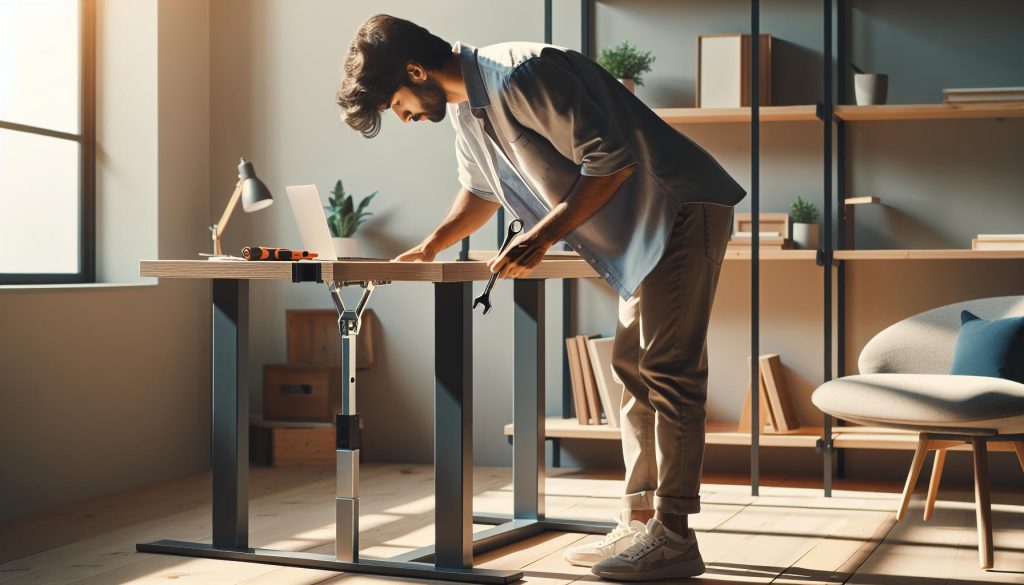
Did you know that a wobbly standing desk can significantly impact your focus and productivity? A stable workspace is crucial for workplace wellness, enhancing not just your physical comfort but also your cognitive performance. If you’re tired of the nagging shake of your desk disrupting your work, you’re not alone. Many professionals grapple with this issue, leading to frustration and distraction throughout the day. In this article, we’ll explore five instant fixes to stabilize your standing desk, ensuring you maintain an ergonomic environment that supports your health and productivity. Get ready to reclaim your workspace and boost your comfort effortlessly.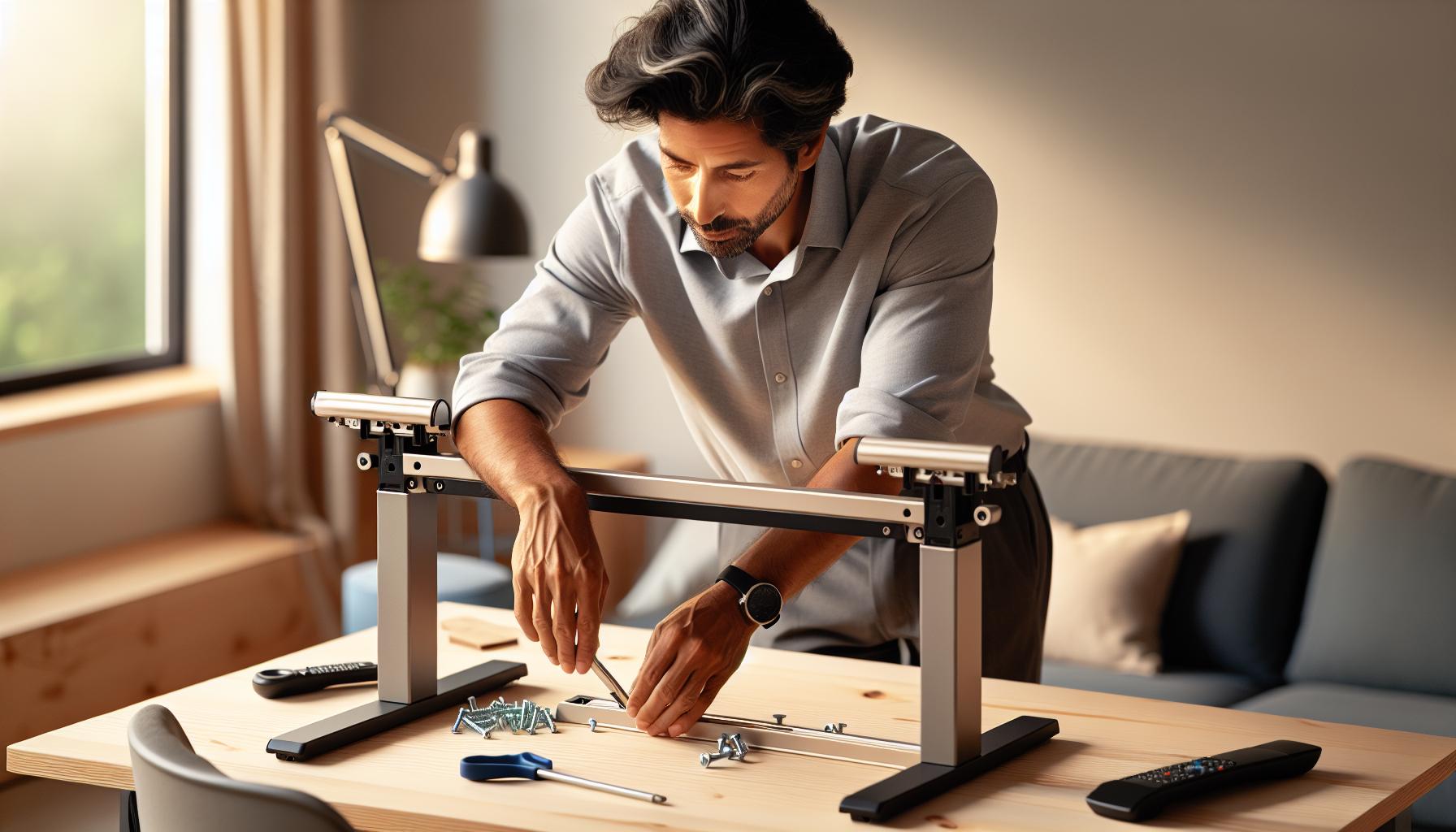
How a Wobbling Standing Desk Affects Your Wellbeing
A wobbly standing desk may seem like a minor annoyance, but it can significantly impact your physical and mental wellbeing. Research indicates that factors such as posture stability and focus are greatly influenced by your workspace environment. When your desk shakes or sways, it can lead to distractions that diminish your ability to concentrate, ultimately affecting productivity and job satisfaction. Over time, this instability can also contribute to poor ergonomic practices, resulting in discomfort or strain in your neck, back, and shoulders.
Additionally, a wobbly desk can create subtle yet consistent stressors that affect your overall health. Standing while working has been linked to numerous benefits, such as increased energy levels and enhanced brain function; however, if your workspace feels unstable, it can lead to anxiety and frustration. This feeling of unease may also translate into difficulty focusing on tasks or maintaining a positive mindset throughout the workday. It’s crucial to address the root causes of instability to foster not only a more serene workspace but also to optimize your cognitive health and emotional resilience.
Addressing desk stability is not merely about correcting physical wobbling; it also involves enhancing your overall work experience. For example, ensuring your standing desk is properly set up can lead to better posture, reducing strain and improving mood. A stable desk fosters an environment where you feel more in control, which can enhance creativity and problem-solving abilities. By taking the time to stabilize your desk, you invest in both your physical comfort and mental clarity, ultimately empowering you to perform at your best in a balanced and healthier workspace.
Common Causes of Standing Desk Instability
Experiencing a wobbling standing desk can be more than just a nuisance; it often points to underlying issues that can affect both your productivity and your well-being. Understanding the common causes of instability in standing desks can empower you to take actionable steps towards a more stable and ergonomic workspace.
One primary reason for desk wobbling is an uneven floor. Every workspace has its unique quirks, and if your desk is positioned on a surface that isn’t perfectly level, it can lead to imbalance. This situation is especially prevalent in older buildings where floors can warp over time. Try using a leveling tool to check if your desk is on a flat surface. If the floor is the issue, consider using adjustable desk feet or rubber pads that can help to fill in the gaps and provide a level base.
Another significant factor is the assembly of the desk itself. Poorly tightened screws and joints can lead to instability, causing the desk to wobble when weight is applied. It’s crucial to ensure that all components are securely fastened and that any moving parts are functioning correctly. Take the time to inspect your desk’s assembly according to the manufacturer’s instructions, tightening bolts and adjusting mechanisms as necessary.
Additionally, the weight distribution on your desk can affect its stability. A desk that is overloaded on one side or has items positioned in a way that creates an imbalance can lead to wobbling. Organizing your desk with a balanced approach-not only in terms of weight but also in making sure heavier items are placed at the right depth-can stabilize your setup. Aim for a thoughtful layout that minimizes excessive load on one side.
Lastly, desk design and materials also play a crucial role in stability. Some desks are inherently built with features that can contribute to wobbling, particularly those that are designed for adjustability without proper reinforcement. Investing in a desk made from sturdy materials and with a robust construction can significantly enhance stability. Opt for designs that feature cross-bracing or other support mechanisms meant to mitigate wobbling.
By identifying these common pitfalls, you can better understand how to address instability in your standing desk. Taking proactive steps not only enhances your workspace but also contributes to a more focused and productive work environment.
Quick Fixes: How to Stabilize Your Desk
Experiencing a wobbling standing desk can detract from your productivity and comfort, but there are several straightforward remedies you can apply to restore stability. Addressing the issue doesn’t have to be an overwhelming task; with a few simple fixes, you can create a solid and ergonomic workspace that enhances both your wellbeing and focus.
First, assess the floor condition beneath your desk. Uneven surfaces are one of the primary culprits of desk instability. Consider using bubble levels to check for discrepancies. If you discover that your desk is sitting on an uneven surface, using adjustable desk feet or rubber pads can provide a quick level adjustment, balancing out any unevenness and eliminating the wobble.
Next, pay attention to the assembly of your desk. A loose joint or an improperly tightened screw can lead to excessive movement when in use. Regularly inspect your desk by following the manufacturer’s assembly instructions, ensuring that all screws are tightened properly. Include a visual check for any visible damage that might need addressing. Sometimes, adding extra brackets or supports can reinforce weaker areas and bring about significant improvement.
Another key factor in stabilizing your standing desk is the organization of your workspace. Imbalanced weight distribution may lead to instability; this means that how you place items on your desk matters. Aim to distribute weight evenly by placing heavier items closer to the center and utilizing desk organizers to keep everything tidy and balanced. This not only enhances stability but also boosts efficiency by keeping essential items within easy reach.
Lastly, when selecting your standing desk, it’s beneficial to choose one made from sturdy materials. Desks with a solid frame and quality design can withstand motion without wobbling. If purchasing a new desk isn’t feasible, consider investing in stabilizing accessories, such as desk clamps or anti-wobble trays, which offer additional reinforcement.
By implementing these quick fixes and consistently monitoring your desk’s condition, you can foster a more stable workspace that supports your productivity and wellbeing, paving the way for a healthier work environment.
Essential Tools for Desk Adjustment
To effectively stabilize your standing desk and create a more productive workspace, having the right tools on hand can make all the difference. Various adjustments can be done with simple, everyday items or specialized equipment, enabling you to mitigate wobbling and reinforce desk stability. Here are some essential tools and materials that can help you achieve a steady workspace.
One of the most fundamental tools is a leveling tool. A bubble level or laser level can quickly help you assess whether your desk is set on a completely flat surface. If any discrepancies are found, you can use adjustable desk feet or rubber pads to lift one or more corners and achieve a balanced height. These inexpensive tools allow for minor adjustments that can significantly impact desk stability.
Tools like a screwdriver set are also crucial. Regular tightening of screws and bolts is necessary to maintain the integrity of your desk’s structure. A simple check with a screwdriver can ensure that all joints are secure. If you notice any loose parts, addressing them can prevent further instability. Additionally, including wood glue or epoxy in your toolkit can reinforce structural joints that may be weak due to wear and tear.
Keeping your workspace organized contributes to stability; therefore, utilizing desk organizers can help distribute weight evenly and reduce clutter. Furthermore, consider investing in anti-wobble solutions, such as corner brackets or desk clamps. These accessories add extra support and can be fitted to areas where you notice the most movement.
Incorporating these essential tools into your desk maintenance routine not only promotes a stable work environment but also encourages an overall wellness-oriented approach to your workspace. By harnessing the right instruments, you can reduce distractions and enhance productivity, ultimately leading to better cognitive performance and a clearer mindset. Creating a steady standing desk is more than just fixing a furniture issue-it’s a step toward fostering a healthier work-life balance.
Creating a Level Workspace: Step-by-Step Guide
Creating a workspace that feels stable and secure can significantly enhance focus and productivity, especially when using a standing desk. A level surface is fundamental; not only does it help prevent wobbling, but it also contributes to your overall comfort and wellbeing. Here’s a practical guide to establishing a level workspace to ensure your standing desk isn’t a source of distraction or discomfort.
Start by gathering your tools. You will need a bubble level or laser level, which will help you check if your desk surface is even. Place the leveling tool on your desk top at multiple points-especially near the corners and the middle. If any readings indicate that the desk isn’t level, it’s time for adjustments. Adjust the height of the desk legs using adjustable desk feet or add rubber pads beneath the legs that are too short to bring everything into alignment.
Next, inspect the structural integrity of your desk. Grab a screwdriver set and check all screws and bolts to make sure they are tight. Any loose hardware can lead to shifts and instability when you’re working. If you discover any persistently loose joints, consider using wood glue or epoxy to secure weak spots more permanently. Regular checks can prevent minor issues from escalating into larger problems that could affect your posture and concentration.
Finally, organization plays a crucial role in maintaining stability. Remove unnecessary items from your desk; clutter not only disrupts your workflow but can also lead to an unbalanced weight distribution which contributes to wobbling. Invest in desk organizers to keep your materials stored neatly. Additionally, implementing anti-wobble solutions like corner brackets or desk clamps can provide extra support and enhance stability where it’s most needed. By following these steps, you will create a dedicated workspace focused on cognitive performance and wellness, turning your standing desk from a source of frustration into a powerful productivity tool.
Understanding the Importance of Desk Ergonomics
The design and setup of your desk can profoundly influence your physical comfort and overall health. For instance, an ergonomically correct workstation reduces the risk of musculoskeletal problems, improves your posture, and enhances productivity. When you use a standing desk, the stakes are even higher, as the setup directly affects your balance and stability while working. A desk that wobbles or tilts can lead to distractions, increasing the likelihood of discomfort and fatigue, which can hinder both focus and cognitive performance.
One of the crucial aspects of desk ergonomics is ensuring proper alignment between your body and the workstation. Ideally, your monitor should be at eye level, with your elbows at a 90-degree angle while typing and your feet flat on the ground or on a footrest. This alignment helps reduce unnecessary strain on your neck, back, and wrists. When a desk wobbles, it often leads to unintended adjustments in posture, which can exacerbate discomfort over time. By stabilizing your standing desk and ensuring it is level, you promote not only a more pleasant work environment but also enhance your ability to maintain the ideal ergonomic positions that contribute to better health outcomes.
Additionally, a well-designed standing desk can positively affect your mental wellbeing. Research emphasizes the connection between physical stability and cognitive function. A steady workspace allows you to focus entirely on tasks without the constant distraction of a shifting surface. This environment fosters a state of flow, where productivity peaks and creative problem-solving flourishes. By investing time and effort into ensuring your desk is stable, you are also nurturing your cognitive health, allowing your brain to function more efficiently free from unnecessary stressors.
In summary, understanding the principles of desk ergonomics is essential for anyone using a standing desk. A stable setup not only facilitates better posture but also enhances concentration and productivity. As you consider the adjustments needed to eliminate wobbling, remember that your workspace directly impacts both your physical and mental health. Striving for a balanced and comfortable workstation is not just a matter of convenience; it’s a proactive approach to promoting long-term wellbeing and productivity.
Choosing the Right Surface to Prevent Wobbling
Choosing the right workspace surface is crucial for engineers, designers, and anyone who relies on a standing desk for daily productivity. The very surface upon which your desk stands can significantly influence its stability. Many factors contribute to desk wobbling, and often, the foundation plays an unrecognized role. A solid, level surface prevents unwanted movement, allowing you to keep your focus on your work rather than battling distracting shifts in your setup.
To ensure maximum stability, consider the quality and type of flooring beneath your desk. Hard, flat surfaces like hardwood, tile, or concrete are ideal. If your workspace features carpeting, make sure it’s tightly woven and not excessively plush, as soft carpeting can create an uneven base for your desk. In cases where a sturdy surface cannot be achieved, using a solid desk mat can help create a level foundation, reducing the potential for wobbling.
It’s also wise to assess your desk itself for any built-in adjustments. Many contemporary standing desks now feature adjustable feet designed to compensate for slight inconsistencies in the surface they’re placed on. Ensure these adjustments are correctly utilized to prevent instability. If adjustments are not available or effective, you can use rubber wedges or small shims to fill gaps and create a rock-solid base for your workspace.
Furthermore, consider the dimensions and shape of the desk. Desks with a broader stance generally provide better stability. For instance, a model with a weight distribution that favors the center can effectively reduce wobbling. Ultimately, investing time in choosing or modifying the right surface for your desk not only enhances your physical workspace but also supports cognitive function, allowing for improved focus and creativity in your tasks.
Routine Maintenance for a Steady Standing Desk
Maintaining a steady standing desk is crucial not just for productivity but also for overall wellness. A desk that wobbles or has instability can be distracting, leading to reduced focus and increased fatigue over time. Regular maintenance ensures that your workspace remains comfortable and conducive to creativity and efficiency. Here’s how to keep your standing desk in top shape.
One effective strategy for routine maintenance is to periodically check the desk for any signs of wear or looseness. Start by inspecting all connections, bolts, and screws to make sure they are tight. Use a wrench or screwdriver, as needed, to tighten any loose parts. Additionally, keep an eye out for any irregularities in the desktop or frame. If you notice scratching or dents, it might be time to consider using a protective cover or mat to safeguard the surface from further damage.
Another key aspect of maintenance is working on stabilization. If your desk has adjustable legs, regularly adjust them to ensure they are properly aligned. Also, check the leveling mechanisms; many models come equipped with built-in leveling feet designed to correct minor unevenness. These adjustments can significantly enhance your workspace’s stability, preventing that irritating wobble that disrupts your workflow. If your desk doesn’t have this feature, consider investing in rubber pads or furniture coasters that can help absorb shocks and maintain equilibrium.
Lastly, keep the desk area organized. Clutter can not only distract you mentally but also add unnecessary weight or unevenness to the desk, contributing to instability. Set aside time weekly to declutter and reorganize your workspace. This process not only keeps the desk steady but also promotes a healthier environment for cognitive function. By fostering a tidy space, you allow for clearer thoughts and better concentration, ultimately enhancing your overall productivity and well-being.
By proactively engaging in these maintenance activities, you not only extend the life of your standing desk but also enhance your overall work experience, contributing to a healthier, more productive lifestyle.
Innovative Desk Accessories to Enhance Stability
A stable standing desk can revolutionize your workspace, but maintaining that stability often requires innovative accessories that provide support. One must-have tool is a set of stability pads, which can be placed under the feet of your desk. These pads not only help to level the desk on uneven flooring but also absorb shocks and vibrations, which can reduce wobbling during typing or other movements. By choosing anti-slip pads, you ensure your desk remains firmly planted, contributing to a more focused work environment.
Another useful option is a desk mat designed specifically for stability. These mats can distribute weight evenly across the surface while having a non-skid bottom that prevents your desk from sliding. Beyond stability, desk mats also provide ergonomic support for your feet if you’re standing for long periods, promoting better posture and reducing overall fatigue. They come in various sizes and materials, so you can select one that complements your workspace aesthetics while enhancing functionality.
Incorporating tool organizers and cable management solutions can also greatly improve desk stability. Loose cables can lead to messiness and accidental tugging, which may cause a wobble. By neatly bundling and securing cables to the side or back of your desk, you minimize potential disturbances that can affect the desk’s steadiness. Stylish organizers not only provide a clean look but also help maintain a clear surface, allowing for better productivity and focus.
Lastly, investing in an adjustable support frame can take your standing desk to the next level. These frames can be added to your existing desk setup and provide additional structural support, especially for larger work surfaces. An adjustable system allows you to modify the desk’s height easily, ensuring it remains sturdy regardless of the position. This flexibility can be vital for maintaining ergonomics during extended work periods, ultimately benefiting your health and productivity in the long run.
User Experiences: Success Stories on Stabilizing Desks
Establishing a stable standing desk can significantly impact productivity and overall wellbeing, and many users have found innovative solutions to combat desk wobbling. For instance, Jenna, a graphic designer, experienced persistent instability with her desk, which was detracting from her focus during critical project phases. After switching to a set of stability pads, placed under her desk’s feet, she noted a dramatic decrease in unwanted movement. These pads not only leveled her workspace on uneven flooring but also absorbed vibrations during typing, allowing her to concentrate better and work more efficiently.
Another practical approach came from David, a software engineer who struggled with wobbling due to an overloaded desk surface. By implementing a strategic cable management system, David secured loose cables along the back of his desk, which minimized accidental tugs that could disrupt its stability. Additionally, he found that using a dedicated desktop mat provided him with not only a firm grip but also enhanced comfort during long hours of standing, promoting better posture and reducing fatigue.
Many users have also praised the benefits of adjustable support frames. For instance, Lisa, a project manager, shared her experience of upgrading her traditional desk with an adjustable frame specifically designed to reinforce her standing desk. This investment allowed her to customize the height easily, ensuring that her workspace remained sturdy regardless of the position she required. This flexibility proved pivotal during long meetings and brainstorming sessions, as it enabled her to transition smoothly between sitting and standing.
In each of these cases, the focus on stability transformed their work environments, encouraging sustained concentration and improved ergonomic practices. By sharing these success stories, readers can see real-world applications of effective solutions and feel empowered to implement similar strategies in their own workspaces, enhancing both physical comfort and cognitive performance.
When to Seek Professional Help for Desk Issues
When you find that your standing desk is wobbling despite your best efforts to stabilize it, it may be time to consider seeking professional help. A well-functioning desk setup is critical for maintaining productivity, reducing physical strain, and promoting overall wellbeing. Persistent instability not only affects your workflow but can also lead to discomfort and stress, impacting cognitive performance and workplace satisfaction. If basic remedies such as adjusting the height, using leveling pads, or rearranging your workspace layout haven’t resolved the issue, professional assessment is warranted.
Recognizing the signs that your desk needs expert attention can help you prevent further complications. If you notice excessive wobbling even after implementing DIY fixes, or if the desk seems to be structurally unsound-such as if parts are visibly warped or damaged-it’s essential to consult, whether that’s a professional furniture technician or a workplace ergonomics specialist. Additionally, if you experience discomfort or pain while using your desk, it may indicate underlying ergonomic issues that require adjustment beyond mere stabilization.
For those who have invested significantly in standing desks, particularly those with complex configurations or motorized features, professional help can also ensure that the setup is optimized for both stability and your body’s needs. Specialists can provide tailored solutions based on individual requirements, such as custom height adjustments and recommendations for supporting accessories. Furthermore, they can assess if the workspace itself is conducive to a stable standing desk, suggesting changes to the flooring or load distribution.
In sum, while many standing desk issues can be addressed with quick fixes, there are times when calling in a professional is the prudent choice. By prioritizing your physical comfort and cognitive health through proper desk setup, you ultimately ensure a more effective and enjoyable working experience.
FAQ
Q: How can I determine if my standing desk is unstable?
A: To check if your standing desk is unstable, perform a simple test: ensure all legs are making contact with the floor while you lean or apply light pressure. If it rocks or wobbles during normal use, it likely needs adjustment or support. For more details, see the section on common causes of desk instability.
Q: What can I do if my desk continues to wobble after adjustments?
A: If wobbling persists after adjustments, consider using stabilizing pads under the legs, ensuring the surface is level, or adding weight to the desk’s base. These methods can provide extra stability. For further strategies, refer to the quick fixes in the article.
Q: Are there specific products designed to stabilize standing desks?
A: Yes, there are various products, such as stabilizing mats and desk leg extensions, specifically designed to enhance desk stability. These can absorb movement and vibrations. Explore innovative desk accessories in the article for more recommendations.
Q: Can I fix a wobbling standing desk myself, or do I need a professional?
A: You can often fix a wobbling desk yourself with simple tools and techniques like adjusting leg height or using leveling pads. However, if issues persist, seeking professional help is advisable, especially if structural problems are involved.
Q: Why does a standing desk wobble more when I type or move?
A: A standing desk may wobble more during typing or movement due to insufficient stabilization or uneven surfaces. This movement can accentuate any instability. For solutions, refer to the section on creating a level workspace.
Q: What are the best practices for maintaining a stable standing desk?
A: Regularly check and tighten all screws, adjust leg heights, and ensure the desk is on a level surface to maintain stability. Consider routine maintenance as discussed in the article for long-term effectiveness.
Q: How does a wobbling desk affect my productivity?
A: A wobbling desk can distract you and lead to discomfort, decreasing focus and productivity. Addressing stability issues can enhance your work environment, as detailed in the section on the effects of desk wobbliness on well-being.
Q: What type of surface is best to prevent desk wobbling?
A: A solid, flat surface is ideal for preventing desk wobbling. Avoid carpet or uneven flooring that can shift. For more tips on selecting the right surface, see the article section dedicated to this topic.
To Wrap It Up
With these five instant fixes, you can transform your wobbling standing desk into a stable workstation that enhances your productivity and comfort. Don’t wait-take action today to ensure a smoother, more focused work experience. If you’re curious about optimizing your workspace further, check out our guides on ergonomic setups and healthy work habits.
For ongoing tips on workplace wellness and brain health, sign up for our newsletter or explore our resources on stress management and cognitive performance. Your well-being matters, and making small adjustments can lead to significant benefits over time. Join the conversation in the comments below and share your experiences-together, we can create healthier work environments for everyone!