
Did you know that using a standing desk can significantly improve your productivity and overall well-being? With many individuals spending upwards of eight hours a day at a desk, the need for a healthier workspace is more urgent than ever. Transitioning to a standing desk not only promotes better posture but also enhances cognitive performance and helps combat the negative effects of a sedentary lifestyle.
In this guide, we will walk you through the process of creating your own standing desk, making it accessible and achievable for anyone. Whether you are looking to alleviate back pain, boost your energy levels, or simply create a more dynamic work environment, this DIY project will empower you to take charge of your workspace and promote a healthier work-life balance. Get ready to transform your daily routine and improve your overall health with our simple, step-by-step instructions!
Choosing the Right Materials for Your Standing Desk

is crucial for ensuring a balance between functionality, aesthetics, and durability. The materials you select not only affect the look and feel of your workspace but also contribute to its overall stability and long-term health benefits. For instance, opting for solid wood can give your desk a classic and sturdy feel, while laminated surfaces may offer a more modern look and are often more resistant to scratches and stains.
Materials to Consider:
- Wood: Choose hardwoods like oak or maple for their durability, aesthetic quality, and ease of maintenance. They can withstand the rigors of daily use while providing a timeless appeal.
- Particleboard or MDF: These engineered woods are cost-effective and lightweight, making them suitable for DIY projects. However, ensure they have a protective laminate finish for better durability.
- Metal: Metal frames can provide robust support, especially in adjustable desk designs. Steel is a popular choice for its strength and stability, ensuring your tall work surface remains secure.
- Plastic or Acrylic: These materials can be utilized for components like cable management systems or decorative elements. They are generally lightweight and can add a modern touch.
When selecting materials, think about the ergonomic design of your standing desk as well. For instance, a surface depth of at least 30 inches allows ample space for monitors and work materials, while also ensuring the desk height accommodates standing use without causing strain. Additionally, consider incorporating materials that enhance comfort and usability, such as gel pads or anti-fatigue mats that can be placed beneath your feet for additional support.
The right choice of materials ultimately promotes a healthier work environment, reducing fatigue and discomfort linked to prolonged standing. Remember, investing in high-quality materials not only enhances the visual appeal of your workspace but also contributes to long-term health benefits, increasing your productivity and overall work satisfaction.
Step-by-Step Guide to Build a Standing Desk

Building your own standing desk can be a rewarding project that not only enhances your workspace but also supports your health and productivity. A custom desk allows you to create a work environment tailored to your specific needs and preferences. Here’s a step-by-step guide to help you create a standing desk that promotes well-being and functionality.
Begin by planning your design. Consider the ideal height for your standing desk, which typically ranges from 40 to 50 inches depending on your height. It’s crucial to ensure that your elbows remain at a 90-degree angle when typing, so adjust the height accordingly. Sketch your desk design, including dimensions for the top surface, as well as any shelves or additional features you’d like to incorporate.
Once you have your design, gather the necessary materials. Hardwoods like oak or maple offer durability and aesthetic appeal, while engineered woods like MDF provide a cost-effective solution. For the frame, metal options such as steel can enhance stability. Remember to prioritize materials that can withstand wear and tear, especially if you intend to use the desk daily.
Next, assemble your tools. Basic hand tools such as a saw, drill, and screws will be essential, along with any finishing supplies like sandpaper and wood stain. Utilize safety equipment, including goggles and gloves, to protect yourself while working.
Start the assembly by cutting your materials to the desired dimensions based on your design plan. Begin with the top surface; ensure it’s smooth and properly finished. Attach the legs securely, making sure they can support the weight of your equipment. If you’re creating an adjustable desk, consider using a lifting mechanism or sturdy hinges.
Once your desk is assembled, it’s important to set up an ergonomic workspace. Position your monitor at eye level to reduce strain on your neck, and use anti-fatigue mats beneath your feet to promote comfort during long periods of standing. Don’t forget to keep your workspace organized with adequate cable management, ensuring cords are out of the way to prevent tripping hazards.
After everything is set up, test your desk. Stand at it for a session or two to see how it feels. Adjust the height if necessary, ensuring a comfortable and productive work environment. By following these steps, you can create a standing desk that not only meets your functional needs but also enhances your overall well-being and work-life balance. Remember, a well-designed workspace is crucial for maintaining focus and reducing fatigue, contributing to enhanced mental clarity and productivity throughout the day.
Essential Tools Needed for Your DIY Desk
Creating a standing desk can be an exhilarating endeavor, transforming your workspace into a hub of productivity and health. Equipping yourself with the right tools is essential to ensure a smooth build journey. Having the right tools not only increases efficiency but also enhances safety, allowing you to focus on bringing your vision to life without unnecessary complications.
To start, you’ll need a few basic hand tools that form the foundation of your toolkit:
- Hand Saw or Circular Saw: Ideal for cutting wood to the desired lengths.
- Drill: Essential for making holes and driving screws. A cordless drill can enhance mobility and ease of use.
- Screws and Anchors: Choose screws suitable for the materials you are using, ensuring that they offer the strength needed to hold your desk together.
- Screwdriver Set: Having a variety of screwdrivers allows for versatility depending on the type of screws used.
- Measuring Tape: Ensures precision in your measurements, critical for a snug fit and stability.
- Square and Level: These tools help ensure your desk is perfectly aligned and balanced, preventing wobbling.
In addition to these hand tools, consider incorporating power tools for enhanced efficiency and productivity:
- Miter Saw: Perfect for making precise crosscuts, particularly for angled cuts if you’re adding aesthetic features.
- Jigsaw: Great for cutting out shapes or curves if your desk design requires unique features.
To finish your project, don’t overlook finishing tools that add a personal touch and protect your hard work:
- Sandpaper or Orbital Sander: Necessary for smoothing surfaces and edges, giving your desk a polished look.
- Wood Stain or Paint: Choose a finish that complements your workspace and also provides protection against wear.
- Brushes or Rags: For applying your chosen stain or paint evenly.
Safety cannot be underestimated; equip yourself with protective gear such as gloves and safety goggles to prevent injuries while working. Building your own standing desk is not only a practical project but also a statement about your commitment to a healthier workspace. By ensuring you have the right tools on hand, you’re setting the stage for a successful and enjoyable building experience. Remember to proceed at your own pace and consult tutorials for guidance if needed-your efforts can lead to a workspace that enhances your well-being and promotes productivity.
Adjustable vs. Fixed Height: Which is Best?
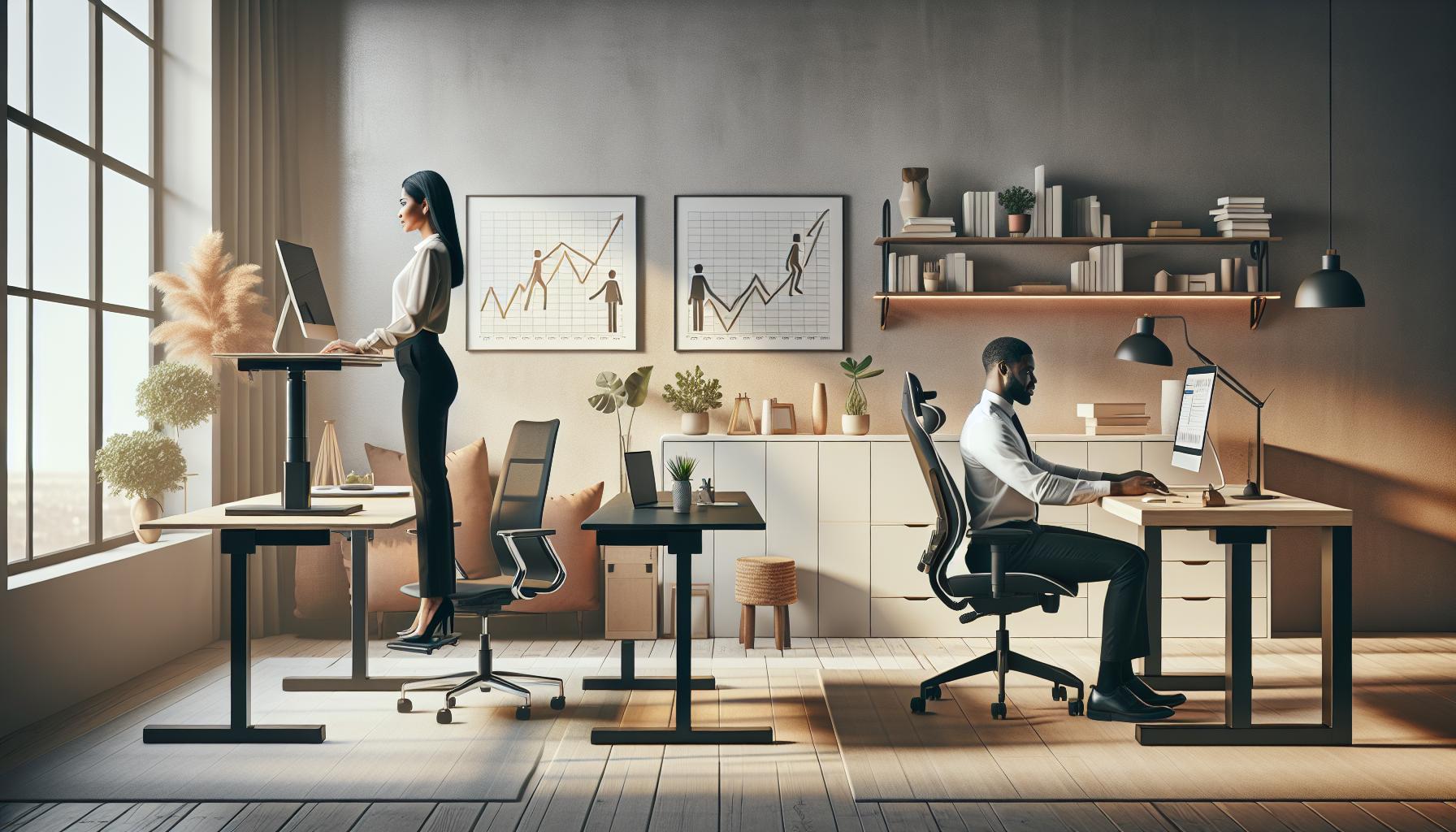
Choosing between adjustable and fixed-height standing desks is a crucial decision that can significantly impact your health, productivity, and overall work experience. Adjustable desks offer ultimate versatility by allowing you to change from sitting to standing with ease, catering to your mood or energy levels throughout the day. Studies show that alternating between sitting and standing can reduce fatigue and discomfort, enhancing cognitive performance and boosting your productivity levels. This adaptability is particularly beneficial in workplaces where team dynamics and tasks require frequent changes in posture.
On the other hand, fixed-height desks present a more straightforward option, often requiring less assembly and featuring a stable structure that some users find reassuring. They can also be more cost-effective compared to their adjustable counterparts. However, this lack of flexibility can deter some individuals who may require varied working positions during the day. If you choose a fixed-height desk, it’s essential to select a height that accommodates your ergonomic needs to avoid strain and discomfort. Many fixed-standing desks are designed with specific user heights in mind, which can be suitable for individuals who prefer a set working posture.
For many, the decision hinges on lifestyle and workspace dynamics. If your work involves collaborative tasks or frequent changes in tasks, an adjustable desk provides the necessary flexibility to accommodate those changes. Conversely, if you favor a simple, straightforward workspace with a consistent height, a fixed desk might be the right choice. Ultimately, balancing your specific needs and preferences with ergonomic principles can ensure a healthier and more productive workspace. Remember, whichever you choose, maintaining proper posture and incorporating breaks into your routine remains vital for sustained workplace wellness.
Measuring and Planning Your Standing Desk Design
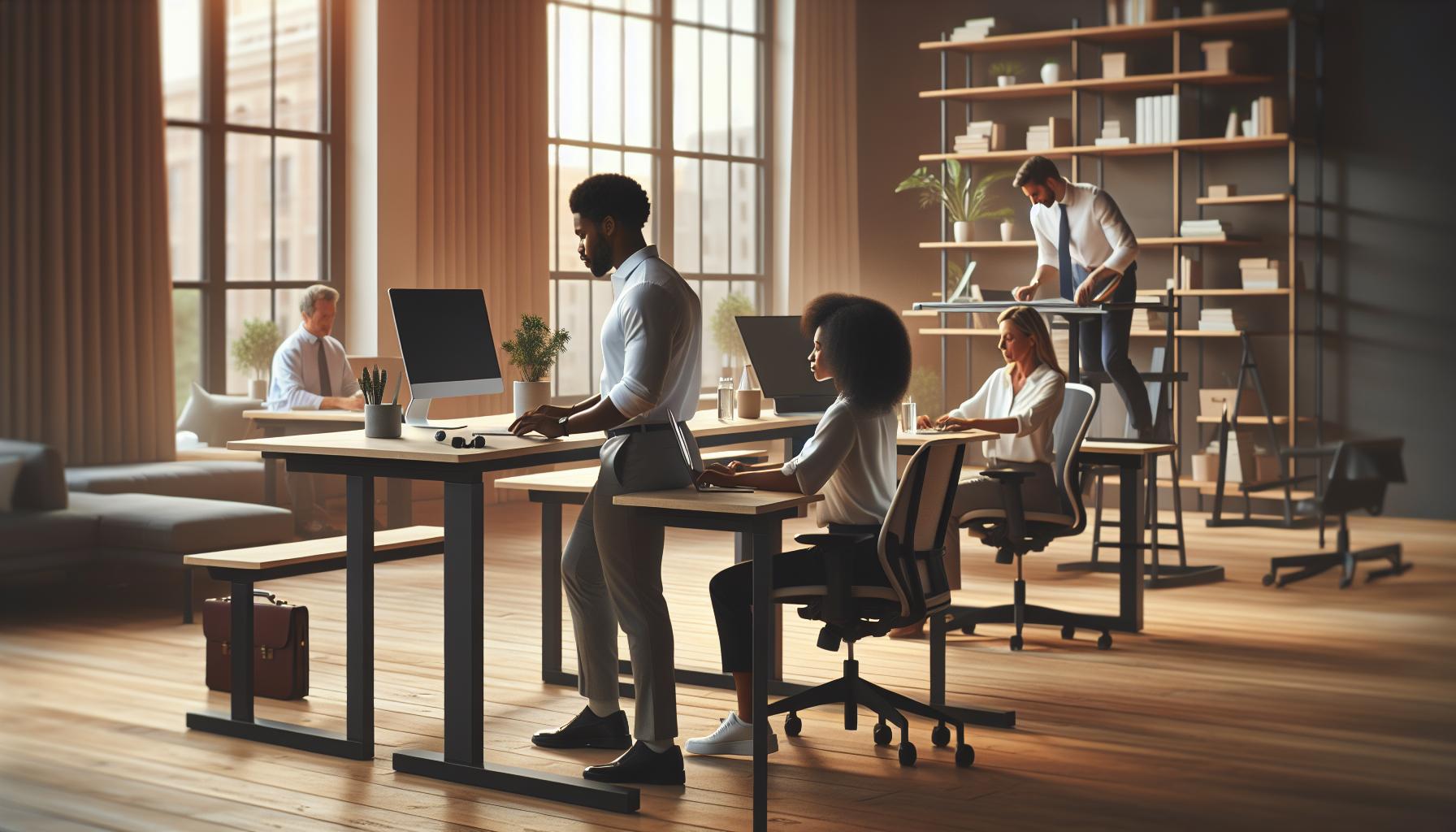
When embarking on the journey of designing your own standing desk, thorough measuring and planning are essential to create a workspace that not only meets your functional needs but also supports your health and productivity. A well-designed standing desk can significantly enhance your posture and cognitive performance, but it starts with understanding the dimensions that will suit your individual requirements.
First, consider your height in relation to the desk height to ensure ergonomic compatibility. The desk should ideally be at elbow height when you are standing, promoting a natural posture that minimizes strain. To find this measurement:
- Stand comfortably with your arms relaxed at your sides.
- Measure from the floor to your elbow (usually between 36 to 44 inches, depending on your height).
- Subtract about 1-2 inches for added comfort, especially if you plan to wear shoes.
Next, think about the surface area you will need. The desk should accommodate your computer, keyboard, and any additional tools you use regularly-whether that’s a notebook, planner, or monitor stand. If you’re working with dual monitors or other electronic devices, you might want to create a layout that allows easy access to all your equipment without causing clutter.
To assist in your planning, a simple visual sketch can help clarify the dimensions and layout. Consider drawing your workspace design to keep track of important measurements. Be sure to account for cable management; incorporating power outlets or conduits in your design will create a cleaner and more organized workspace.
Once your measurements and designs are in place, evaluate the stability of your planned structure. A wobbly desk can be distracting and lead to discomfort. Use robust materials that will support your setup, and consider adding weight at the base for increased stability. For those experimenting with different heights, ensure your desk top is easily attachable to adjustable legs, allowing for future adaptability.
By following these steps, you are setting yourself up for a successful DIY standing desk project that prioritizes not only functionality but also your overall health and productivity. Being mindful of these aspects helps ensure that your new workspace will be a supportive environment conducive to focus and creativity.
Ergonomic Considerations for Standing Desks
Creating a standing desk environment not only improves posture but also enhances cognitive performance and overall work satisfaction. However, achieving ergonomic alignment is crucial to fully reap these benefits. To ensure your standing desk promotes health and productivity, several key considerations should be addressed.
First and foremost, desk height is a critical factor. It should align with your elbows while standing, ideally allowing for a 90-degree angle at the elbows. A desk that is too high can lead to shoulder strain and discomfort, while a desk that is too low may cause you to hunch over. To find the right height, stand with your arms relaxed by your sides and raise your elbows to approximately the level they will be during use. This measurement can significantly affect your ability to maintain a neutral spine.
Additionally, foot position plays a vital role in comfort and stability. Your feet should be flat on the ground or on a footrest, promoting balanced body alignment. Consider using an anti-fatigue mat, which can reduce discomfort during long periods of standing. Regularly shifting your weight from one foot to the other can also alleviate pressure and improve circulation.
To further enhance ergonomics, it’s important to position your monitor at eye level. This prevents neck strain and encourages a natural head position. Your screen should be about an arm’s length away, with the top of the monitor screen roughly at or just below eye level. You can use monitor stands or adjustable arms to achieve this optimal height.
Lastly, remember to incorporate movement into your routine. Transitioning between sitting and standing periodically throughout the day can minimize fatigue and increase focus. Aim for a balance – for instance, consider using a timer to alternate your position every 30 to 60 minutes. This practice can foster better engagement and boost productivity while supporting your overall well-being.
By thoughtfully approaching these ergonomic considerations, you can create a standing desk setup that not only safeguards your physical health but also empowers you to thrive in your workspace. Embrace your transition to a standing desk as an opportunity to enhance your work experience, underscoring the intricate link between physical comfort and cognitive function.
Incorporating Tech: Power Outlets and Cable Management
Creating a standing desk often means navigating various tech requirements, especially when it comes to power outlets and cable management. Ensuring that your workspace remains organized not only enhances aesthetics but also plays a crucial role in maintaining productivity and reducing workplace stress. Disorganization caused by tangled cables can lead to distractions, so taking the time to implement thoughtful tech solutions can dramatically improve your work environment.
To start, consider the placement of power outlets. Ideally, they should be easily accessible yet unobtrusive. You might want to install a power strip underneath the desk or along the wall to manage multiple devices efficiently. If your standing desk is equipped with a cable management system, utilize it to keep cords hidden and organized. Additionally, look for desks that come with built-in USB ports or even wireless charging pads, which can help minimize the clutter of cables while keeping your devices powered.
Effective Cable Management Techniques
Utilizing smart cable management strategies is essential to create a clean and efficient workspace. Here are some practical techniques:
- Cable Clips: Use adhesive clips or ties to guide cables along the underside of your desk, preventing them from hanging and tangling.
- Velcro Ties: These can be adjusted easily, making it simple to add or remove cables as needed without the mess.
- Cable Sleeves: For a cleaner look, consider wrapping multiple cables together in a cable sleeve to minimize visual clutter.
- Labels: Labeling cables can save time and frustration when you need to unplug or rearrange your setup.
Incorporating these tools not only boosts your tech organization but also enhances your cognitive function by minimizing distractions. A well-arranged workspace can contribute to a clear mindset, allowing you to focus on your tasks at hand. Remember, a streamlined setup supports your overall workplace wellness, making it easier to manage stress and maintain productivity. By investing a little time in organizing your tech, you cultivate a space that fosters creativity and effectiveness, aligning with your goals for an optimized standing desk experience.
Decorative Finish Options for Your Standing Desk
Transforming your standing desk into a visually appealing workspace can significantly enhance your mood and productivity. A well-finished desk not only adds personal style but can also create an inviting atmosphere that keeps you motivated throughout the day. When considering decorative finish options, think about materials, colors, and textures that resonate with your personal aesthetic, while also complementing your overall workspace design.
One popular finish is natural wood, which brings warmth and a touch of nature indoors. Whether you opt for a sleek walnut, a rustic pine, or a modern birch, each type of wood adds character and can serve as a beautiful backdrop for your workspace. For those seeking a contemporary look, laminate finishes are available in numerous colors and patterns, mimicking the appearance of natural materials while offering durability and ease of maintenance. This can be a cost-effective solution that doesn’t compromise on style.
Paint is another transformative option, allowing for bold expressions through bright colors or soft pastels. Choosing a color that enhances focus-such as calming blues or energizing yellows-can directly impact your productivity and mood. For a more sophisticated look, consider using a stain that highlights the grain of the wood while maintaining a polished appearance. You can also experiment with textured finishes like chalk paint or distressed effects for a rustic flair.
For added personality, accessories such as vinyl decals, stencils, or even hardware upgrades can make your desk uniquely yours without requiring a complete overhaul. Incorporating elements that reflect your personality helps establish a workspace that you love, which can enhance your cognitive function and overall workplace wellness. Remember to keep the finishes safe and free from harmful chemicals, opting for non-toxic options to support a healthier work environment.
Maintaining Stability and Durability in Your Build
To ensure your standing desk remains a reliable and long-lasting workspace, prioritizing stability and durability in your build is essential. A wobbly desk can lead not only to frustration but also to distractions that hinder productivity. Selecting the right materials and construction techniques is vital; for example, solid hardwood or quality plywood can provide the strength needed to support various office equipment.
When assembling your desk, be sure to use sturdier fasteners such as bolts instead of screws, which can come loose over time. Additionally, if you’re opting for legs, consider using adjustable ones that allow you to level the desk on uneven floors-this not only increases stability but also promotes proper ergonomics. Support brackets can also be introduced to reinforce the structure, particularly if you’re using lightweight materials that might not hold up under pressure.
Regular maintenance plays a critical role in preserving the integrity of your standing desk. Periodically check for loose screws or joints and tighten them as necessary. Dust and debris can accumulate in moving parts or joints, impacting functionality; thus, routine cleaning is more than just aesthetic-it’s essential for longevity. Finally, pay attention to the amount of weight placed on your desk. Ensuring it doesn’t exceed the manufacturer’s recommended limit can prevent warping or structural failure.
Incorporating these strategies can help create a standing desk that not only meets your immediate workspace needs but also stands the test of time, enhancing your overall productivity and workplace wellness. By investing in a solid build from the outset and committing to ongoing maintenance, you’ll ensure your workspace remains as dynamic as your work itself.
Tips for Transitioning to a Standing Desk
Making the switch to a standing desk can remarkably enhance your workday, promoting better posture, increased energy levels, and improved productivity. However, transitioning from a seated to a standing position requires mindfulness and gradual adaptation to fully enjoy the benefits while avoiding discomfort. Start by gradually increasing the time you spend standing each day-aim for 15 to 30 minutes at first and then incrementally add more time as your body adjusts. This approach not only helps manage fatigue but also allows your muscles to adapt effectively, minimizing the risk of discomfort or strain.
Integrating movement into your standing routine is essential. Standing still for prolonged periods can lead to fatigue, so consider incorporating small movements such as shifting your weight from one foot to the other or taking short breaks to stretch. A footrest can also be beneficial; alternating your weight between feet or using a footrest while standing can relieve pressure on your lower back and legs. Furthermore, setting a timer can remind you to change positions throughout your workday, ensuring that your body remains active and engaged.
Creating an ergonomic workspace is crucial in making this adjustment smoother. Ensure that your desk is at an appropriate height-your elbows should be at about a 90-degree angle when typing, and your screen should be at eye level to reduce neck strain. Don’t overlook the importance of comfort in your footwear; supportive shoes can make a significant difference in your experience with a standing desk. Using an anti-fatigue mat can provide further cushioning and support, enhancing comfort while standing for longer periods.
Lastly, be attentive to your body’s signals. If you experience persistent discomfort or pain, consider consulting a healthcare professional or an ergonomic expert who can provide personalized guidance and adjustments tailored to your needs. With these strategies, you’ll not only ease into the transition but also create a more dynamic and health-focused work environment that aligns with your wellness goals.
Optimizing Your Workspace for Productivity
Creating a workspace that enhances productivity is key to thriving while using a standing desk. A well-thought-out environment not only supports your physical wellbeing but can also significantly improve your cognitive performance. Studies suggest that a dynamic workspace can boost motivation and focus, making it easier to stay engaged with tasks. To truly optimize your standing desk setup, consider these essential components that contribute to a harmonious blend of comfort and efficiency.
Ergonomic Alignment
Begin by ensuring that your desk promotes ergonomic alignment. Your computer monitor should be at eye level, reducing neck strain and encouraging a neutral posture. Ideally, the top of the screen should be at or slightly below eye level, with your neck in a neutral position. For typing and using the mouse, your elbows should angle between 90 and 110 degrees. Incorporating a keyboard tray can help achieve the proper height, allowing for a more natural wrist position.
Utilizing a footrest can further enhance your comfort. By shifting your weight between legs and using the footrest to alternate stances, you relieve pressure on your lower back and promote better circulation. Anti-fatigue mats are also beneficial, as they provide cushioning that supports foot health and reduces tiredness during long periods of standing.
Organized Footprint
A clutter-free workspace can work wonders for your focus and mental clarity. Implement a system for organizing your tools and materials: keep frequently used items within arm’s reach to minimize unnecessary movement, while less essential items can be stored away. Consider vertical storage solutions to save desk space, such as wall-mounted shelves for books and supplies.
Investing in a well-designed cable management system can also alleviate visual clutter. Using cable clips or sleeves ensures that wires are neatly organized and out of the way, further contributing to a calming environment conducive to productivity.
Personal Touches
Incorporate personal items that inspire you, like plants or artwork. Research shows that having greenery in your workspace can reduce stress and contribute to overall happiness. Additionally, customizing your workspace with motivational quotes or images can keep you fueled with positivity throughout the day.
With a focus on these elements, you can create a workspace that not only adheres to ergonomic standards but also inspires creativity and productivity. Regularly reassess your environment as your needs and preferences evolve, allowing you to adapt and continue thriving in a standing desk setup.
Long-term Health Benefits of Using a Standing Desk
Adopting a standing desk can lead to a myriad of long-term health benefits that extend beyond mere comfort. Transitioning from sitting to standing while working can significantly improve metabolic health, encourage better posture, and even enhance mood. For instance, a well-designed standing desk setup not only reduces the risk of chronic health issues commonly associated with a sedentary lifestyle but can also facilitate a natural boost in energy levels throughout the day.
One of the primary benefits of using a standing desk is its potential to support weight management. Standing burns more calories than sitting, which can aid in weight control when coupled with regular movement. Studies have demonstrated that using sit-stand desks can lead to a noticeable reduction in blood sugar levels after meals, which is particularly beneficial for those at risk of type 2 diabetes. This metabolic shift allows for better circulation and a more dynamic interaction with your work environment, promoting overall cardiovascular health.
Moreover, standing desks can help mitigate common musculoskeletal issues. By promoting better posture and reducing strain on the spine, users may experience fewer episodes of back, neck, and shoulder pain. This is essential not only for physical comfort but also for mental clarity and productivity. When your physical condition improves, you may find it easier to remain focused and engaged with your tasks, leading to enhanced cognitive performance.
Incorporating a standing desk into your daily routine is not just a change of scenery; it serves as an investment in your long-term wellness. It encourages a more active work lifestyle, fosters better energy management, and can even transform your approach to daily challenges. By integrating personalized ergonomic options-as simple as using anti-fatigue mats or setting a timer to alternate between sitting and standing-you create a healthier, more dynamic workspace that aligns with your body’s needs. As with any wellness strategy, consulting with healthcare professionals can provide personalized adjustments to ensure an optimal and safe experience.
Q&A
Q: What materials do I need to make a standing desk?
A: To build a standing desk, you’ll need quality wood or a sturdy tabletop, adjustable legs or risers, screws, and optional cable management tools. Consider using eco-friendly materials to promote sustainability while enhancing your workspace. For more on choosing materials, refer to the section on “Choosing the Right Materials for Your Standing Desk.”
Q: How high should I make my standing desk?
A: Your standing desk height should generally be elbow height when standing, allowing for a 90-degree angle at your elbows. This height helps maintain good posture and reduce strain. For planning your dimensions, consult the “Measuring and Planning Your Standing Desk Design” section.
Q: Can I convert an existing desk into a standing desk?
A: Yes, you can convert an existing desk by adding adjustable risers or higher legs for a standing option. Consider desktop converters for a less permanent solution while allowing versatility in your workspace. Find more tips in the “Adjustable vs. Fixed Height” section.
Q: How do I ensure my standing desk is ergonomically sound?
A: To ensure ergonomic safety, position your monitor at eye level and your keyboard at elbow height, keeping your wrists straight. Take regular breaks to stretch and move. Refer to “Ergonomic Considerations for Standing Desks” for detailed guidance.
Q: What are the benefits of standing desks?
A: Standing desks can improve posture, reduce back pain, and promote a more active lifestyle. They may also enhance productivity and focus during work. For insights into long-term effects, explore the “Long-term Health Benefits of Using a Standing Desk.”
Q: How do I manage cables on my standing desk?
A: Implement cable management solutions such as cable trays or clips under the desk to keep wires organized. Consider planning locations for power outlets within your desk design to minimize clutter and enhance accessibility. Check “Incorporating Tech: Power Outlets and Cable Management” for specific strategies.
Q: What issues should I troubleshoot if my standing desk wobbles?
A: If your standing desk wobbles, check for uneven legs and adjust them to ensure stability. Reinforcing joints or adding cross braces can enhance durability. For tips on maintaining stability, see the “Maintaining Stability and Durability in Your Build” section.
Q: How can I transition to using a standing desk effectively?
A: Start by alternating between sitting and standing to ease into the change. Gradually increase standing time as your body adapts. Consider setting reminders for breaks to stretch. For more transition strategies, refer to “Tips for Transitioning to a Standing Desk.”
Insights and Conclusions
Thank you for exploring our simple DIY guide on how to make a standing desk! By following the steps outlined, you not only enhance your workspace but also invest in your health and productivity. Transitioning to a standing desk can significantly improve your posture, boost energy levels, and contribute to better brain health.
Ready to take the next step? Consider checking out our articles on creating an ergonomic workspace and workplace wellness tips to further optimize your environment. Don’t hesitate to share your DIY projects with us in the comments below-we love hearing your success stories! For more insights on maintaining cognitive performance and managing workplace stress, subscribe to our newsletter. Your journey to a healthier work-life balance starts now, so why wait? Start building your standing desk today and experience the difference!